PlayStation Store Gift Card: How to Redeem & Use
PlayStation Store Gift Card: How to Redeem & Use
Quick Answer
Step-by-step instructions on how to redeem PlayStation Store gift cards on PS4, PS5, and web, plus tips for using your wallet funds.
A PlayStation Store gift card is one of the easiest ways to add funds to your PSN wallet and unlock access to millions of games, DLC, subscriptions, and in-game content. Whether you're a PS5 owner, PS4 player, or someone who games across multiple PlayStation devices, knowing how to properly redeem and use your gift card will save you time and frustration.
This comprehensive guide covers everything you need to know about PlayStation Store gift cards - from redemption methods across different devices to troubleshooting common issues and maximizing your wallet balance. By the end, you'll be a gift card redemption expert ready to make the most of your PSN wallet.
The Digidang team often receives questions about "playstation store gift card: how to redeem & use" from the Indonesian gaming community. Most questions come from first-time transactions or trying out new gaming products. This section is based on real cases we've handled at Digidang since 2020, so you can apply these tips directly without trial and error.
Getting Started with PlayStation Store Gift Cards
Whether you purchased a PlayStation Store gift card from Digidang, received one as a gift, or won one in a promotion, the next step is redemption. A PlayStation Store gift card adds funds directly to your PSN wallet, creating a prepaid balance you can spend on digital games, add-ons, subscriptions, and more.
The beauty of PlayStation Store gift cards is their flexibility. You can redeem them on your PS5, PS4, through the official PlayStation website, via the mobile app, or even through a web browser on any device. Once redeemed, your funds are instantly available across your entire PlayStation ecosystem.
Before you start the redemption process, gather the following:
- Your PlayStation Store gift card (physical or digital code)
- Your PSN account login credentials
- A device to complete the redemption (console, computer, or smartphone)
- Knowledge of your account's region (crucial for avoiding errors)
The Digidang team often receives questions about "getting started with playstation store gift cards" from the Indonesian gaming community. Most questions come from first-time transactions or trying out new gaming products. This section is based on real cases we've handled at Digidang since 2020, so you can apply these tips directly without trial and error.
How to Redeem PlayStation Store Gift Cards on PS5
The PS5 offers the most streamlined redemption experience. If you're redeeming on your next-gen console, follow these steps:
Step 1: Navigate to the PlayStation Store
From your PS5 home screen, locate and select the PlayStation Store icon. If you haven't signed into your PSN account yet, you'll be prompted to do so. Make sure you're logged into the correct PSN account - the one where you want the gift card funds to appear.
Step 2: Access the Redemption Menu
Look for your profile avatar in the top-right corner of the PlayStation Store interface. Click on it to open the dropdown menu. From the available options, select "Redeem Codes." This will take you directly to the code redemption screen.
Step 3: Enter Your PlayStation Store Gift Card Code
You'll see a text input field ready for your code. Carefully type the 12-digit code from your gift card. The typical format is XXXX-XXXX-XXXX, with dashes separating each group of four characters. Pay close attention to similar-looking characters:
- Zero (0) vs. the letter O
- One (1) vs. the letter I or lowercase l
- Two (2) vs. the letter Z
Take your time entering the code. A single incorrect character will result in an error message, and you'll need to try again.
Step 4: Confirm and Enjoy
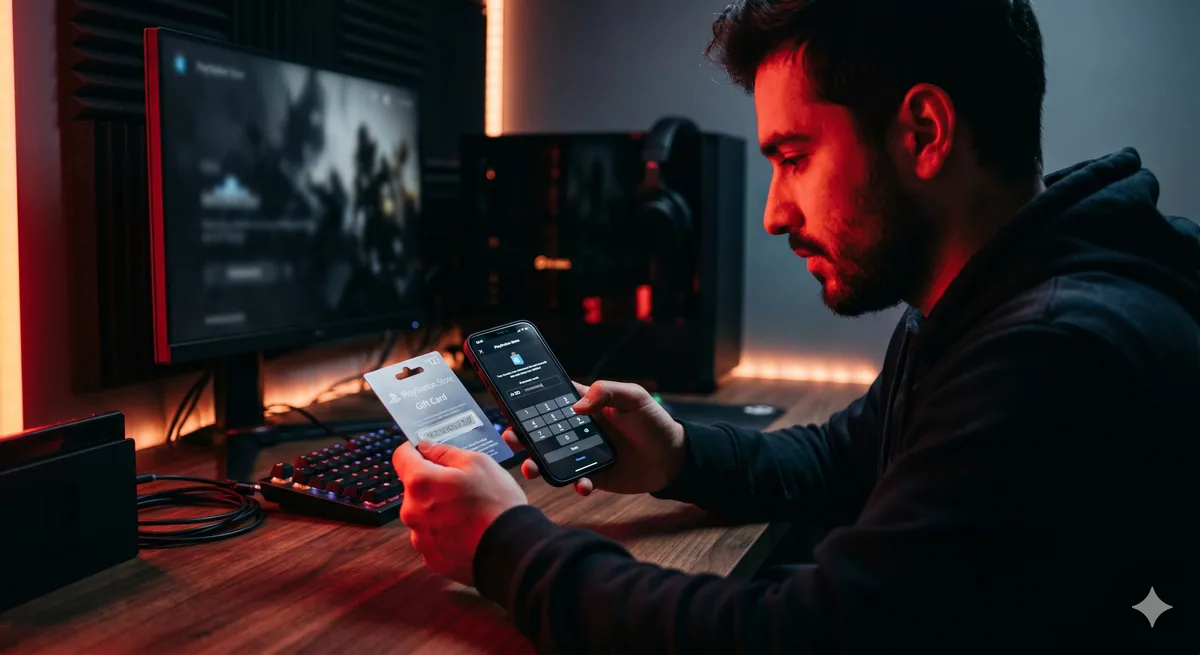
After entering your code, review the details displayed on screen. You'll see the exact amount being added to your wallet. Press "Confirm" to finalize the redemption. Within seconds, the funds will be available in your PSN wallet, and you're ready to start shopping on the PlayStation Store.
How to Redeem PlayStation Store Gift Cards on PS4
If you're still gaming on PS4, don't worry - the redemption process is equally simple, with just slightly different menu navigation.
Method 1: Via the PlayStation Store
Start by opening the PlayStation Store from your PS4 home screen. Once the Store loads, look at the left sidebar menu and scroll down to the bottom. You'll find the "Redeem Codes" option. Select it, enter your 12-digit code, and confirm the redemption. The process is virtually identical to PS5.
Method 2: Via Settings (Alternative Route)
If the PlayStation Store is loading slowly or you prefer a different path, you can redeem through your system settings. Navigate to Settings > Account Management > Account Information > Wallet > Redeem Codes. This method is particularly useful if you're experiencing performance issues with the Store app.
Both methods work equally well and add funds to the same wallet, so choose whichever feels most convenient for your situation.
The Digidang team often receives questions about "how to redeem playstation store gift cards on ps4" from the Indonesian gaming community. Most questions come from first-time transactions or trying out new gaming products. This section is based on real cases we've handled at Digidang since 2020, so you can apply these tips directly without trial and error.
How to Redeem PlayStation Store Gift Cards via Web Browser
You don't need to power up your console to redeem a PlayStation Store gift card. The web browser method is perfect for when you're away from home or simply prefer using your computer.
Step 1: Visit the Official PlayStation Store Website
Open your web browser and navigate to store.playstation.com. Click the sign-in button and enter your PSN account credentials. Make sure you're on the correct regional PlayStation Store (store.playstation.com for US, store.playstation.eu for Europe, etc.).
Step 2: Access Your Account Menu
Once logged in, click on your profile icon in the top-right corner of the page. A dropdown menu will appear with various account options. Look for and select "Redeem Code."
Step 3: Enter and Confirm Your Code
Input your 12-digit gift card code into the text field and click the "Redeem" button. Your browser will process the code, and if it's valid, your wallet balance will update immediately. The funds are now available on all devices linked to your PSN account.
The Digidang team often receives questions about "how to redeem playstation store gift cards via web browser" from the Indonesian gaming community. Most questions come from first-time transactions or trying out new gaming products. This section is based on real cases we've handled at Digidang since 2020, so you can apply these tips directly without trial and error.
How to Redeem PlayStation Store Gift Cards via Mobile App
The PlayStation App for iOS and Android devices offers perhaps the most convenient redemption method when you're on the go.
Open the PS App on your smartphone or tablet. Navigate to the PlayStation Store section within the app. Look for the three-dot menu icon (⋮) and tap it. From the menu that appears, select "Redeem Code." Enter your 12-digit code and tap "Confirm." The redemption will complete instantly, and your wallet balance will update in real-time.
This mobile method is ideal for redeeming gift cards you receive as digital codes via email or through online retailers like Digidang. You don't need to be near a console - just pull out your phone and complete the process in seconds.
The Digidang team often receives questions about "how to redeem playstation store gift cards via mobile app" from the Indonesian gaming community. Most questions come from first-time transactions or trying out new gaming products. This section is based on real cases we've handled at Digidang since 2020, so you can apply these tips directly without trial and error.
What Can You Buy with Your PlayStation Store Gift Card Funds?
Once your PlayStation Store gift card is successfully redeemed, your wallet balance opens up a world of purchasing possibilities.
Full Games and Titles
The most obvious use for wallet funds is purchasing full games. Browse thousands of PS4 and PS5 titles, ranging from AAA blockbusters like Gran Theft Auto, Final Fantasy, and Call of Duty to indie masterpieces from independent developers. The PlayStation Store constantly updates its catalog with new releases.
Pro tip: Check the PlayStation Store regularly for sales. Games frequently go on discount, and seasonal sales can reduce prices by up to 80%. Wishlist your desired games to receive notifications when they drop in price.
DLC, Expansion Packs, and Season Passes
Extend the lifespan of your favorite games by purchasing DLC and expansions. Season passes provide multiple content drops throughout a game's lifecycle, while standalone DLC packs offer cosmetics, missions, weapons, and story content. Many popular titles like Destiny 2, The Witcher 3, and Red Dead Redemption 2 have substantial post-launch content available.
PlayStation Plus Subscriptions
Use your wallet balance to purchase or renew your PlayStation Plus subscription. Sony offers three subscription tiers:
- PlayStation Plus Essential: Includes monthly free games, online multiplayer, and cloud storage
- PlayStation Plus Extra: Adds a library of 400+ PlayStation games
- PlayStation Plus Premium: Includes everything plus game trials, classic PlayStation titles, and more
Your PlayStation Store gift card funds work perfectly for maintaining an active subscription without needing a credit card on file.
In-Game Currency and Cosmetics
Many modern games feature in-game currency for cosmetics, battle passes, and exclusive items. Popular games accepting PlayStation wallet funds include:
- Fortnite (V-Bucks)
- Call of Duty series (COD Points)
- FIFA/EA Sports FC (FIFA Points)
- Apex Legends (Apex Coins)
- Valorant (Valorant Points)
Your wallet balance can be spent directly on in-game currency without any intermediary steps, making it seamless to customize your favorite games.
Understanding Regional Restrictions and Currency
Region Matching Is Crucial
One of the most important things to understand about PlayStation Store gift cards is that they must match your PSN account's region. A gift card purchased in the United States will not work on a European PlayStation Network account, and vice versa.
To check your account region, navigate to Settings > Account Management > Account Information on your console. Look for the "Account" section, which will display your region (US, EU, UK, JP, etc.).
No Currency Conversion Available
PlayStation Network does not automatically convert currencies. If your PSN account is set to USD, you must purchase gift cards in USD. If your account is in EUR, you need EUR cards. This is why purchasing from a reputable retailer like Digidang is important - they clearly label each gift card's region and denomination, eliminating guesswork.
Changing Your Account Region
If you've purchased a gift card in the wrong region, you cannot simply redeem it on an account from a different region. You would need to either create a new PSN account in the matching region or contact PlayStation Support to discuss your options. It's much easier to verify your region before purchasing your gift card.
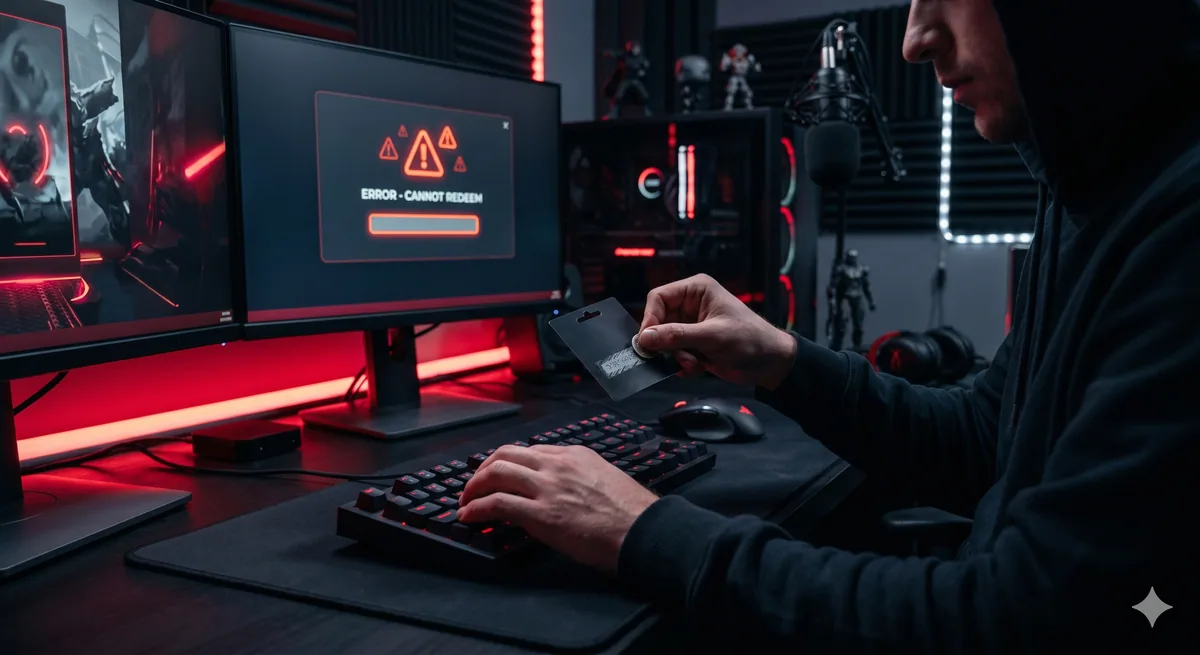
Troubleshooting Common PlayStation Store Gift Card Issues
Error: "Code Already Redeemed"
This error indicates someone has already used the code. Check your wallet balance to see if funds were added - sometimes the code was redeemed successfully but the confirmation screen didn't display properly. If your balance didn't increase, the code was previously used by someone else. Contact the retailer where you purchased the card for a replacement or refund.
Error: "Code Not Valid"
A "code not valid" error usually means one of two things:
- You've entered the code incorrectly (double-check for similar-looking characters)
- The code is damaged or incomplete
Carefully re-enter the code, paying special attention to 0/O, 1/I, 2/Z, and 5/S. If you're confident you've entered it correctly, the code itself may be defective. Contact the retailer for assistance.
Error: "Code Cannot Be Used in Your Country"
This is a region mismatch error. Your gift card was issued for a different region than your PSN account. You cannot use US gift cards on a European account or vice versa. You'll need to obtain a gift card matching your account's specific region.
Wallet Balance Not Updating
Sometimes after successful redemption, your wallet balance doesn't immediately reflect the new funds. Try these troubleshooting steps:
- Sign out of your PSN account and sign
Pro Tips from the Digidang Team
Based on the Digidang team's experience handling thousands of gaming transactions every month since 2020, here are the tips we share most often with our loyal customers.
- Check the gift card region: Gift cards are region-locked. A US Roblox card can't be redeemed on an Indonesian account without a VPN. Always match the card's region with your account.
- Redeem right after purchase: Ideally redeem within 24 hours of buying. Codes don't expire, but the habit of storing codes long-term leads to lost or forgotten codes.
- Never share codes publicly: We've seen users post screenshots in Discord servers only to have the code claimed by someone else first. A code is money, treat it like an ATM PIN.
- Buy the denomination you actually need: If you only need 500 Robux, don't buy a 2,000 Robux card. The leftover often sits unused on your balance.
- Stick to one main account: Always redeem on the same primary account. Constantly switching accounts can trigger publisher fraud detection and cause suspensions.
Troubleshooting Common PlayStation Store Gift Card Issues Why Buy Gaming Products at Digidang
As a digital gaming marketplace operating since 2020, Digidang is built by and for Indonesian gamers. Here's why thousands of gamers trust Digidang for their top-up and gift card needs:
- Competitive pricing: We continuously monitor other marketplace prices and adjust so you always get the best deal without hidden cost drama.
- Instant automated process: Digital codes arrive in your inbox in minutes, not hours or days. We know gamers want to play right away.
- 24/7 customer service: Our support team is ready to respond via WhatsApp and email anytime. Not a bot - you chat with humans who understand gaming.
- Safe and trustworthy: Payments are processed via official payment gateways (Midtrans, Xendit), not personal transfers. Your data is protected with 256-bit SSL encryption.
- Complete product variety: From Mobile Legends, PUBG, Genshin Impact top-ups, to Steam, Roblox, PlayStation gift cards - all available on one platform.
- Active community: Digidang has an active Discord and Instagram community sharing tips, builds, and discussions about Indonesian gaming.
Check the Digidang catalog to see all available gaming products, or visit our about page to learn more about Digidang's mission to build a healthy Indonesian gaming ecosystem.
Conclusion & Key Takeaways
PlayStation Store Gift Card: How to Redeem & Use isn't a static gaming topic - it evolves quickly with new game releases, publisher updates, and trends in the Indonesian gaming community. The Digidang team will continue to update this article to keep it relevant to current conditions.
Key points to remember from this guide:
- Always prioritize account security: Enable 2FA, never share passwords, and avoid buying from untrusted sellers.
- Compare prices across multiple sources: Even though Digidang offers competitive pricing, the habit of comparing before buying is a healthy behavior.
- Take advantage of events and promotions: Significant savings come from combining Digidang discounts with publisher in-game events.
- Verify every transaction detail: User ID, region, and denomination - small mistakes can lead to non-refundable losses.
- Use Digidang's support: Our customer service is active 24/7 via WhatsApp and email. Don't hesitate to reach out with any questions.
Have more questions? Check the FAQ section below, or contact the Digidang team directly via WhatsApp for free consultation on the gaming products you need.
Frequently Asked Questions (FAQ)
Are Digidang gift cards genuine and official?
Yes. All Digidang gift cards are official codes purchased through authorized distributors. Every code is verified valid and redeemable on the appropriate platform.
Is the information in this article reliable?
Yes. All Digidang content is written by editors who actively play and follow the gaming industry. Every recommendation goes through internal verification before publication, and we update articles when new information becomes available.
How do I buy gaming products on Digidang?
Browse our shop, pick the product you want, add to cart, and checkout. We accept bank transfer, e-wallets (OVO, GoPay, Dana, ShopeePay), credit cards, and QRIS. Digital codes are delivered instantly to your email after payment is confirmed.
How do I redeem a gift card?
Each platform has its own process. Roblox cards are redeemed at roblox.com/redeem, Steam via the Steam client (Games > Activate a Product), and PlayStation via Settings > Redeem Code. We explain each one in detail in this article.
Does Digidang guarantee codes work?
Every code from Digidang is guaranteed valid. If you run into any redemption issues, our customer service team is available 24/7 via WhatsApp and email. We'll replace the code or process a refund if the problem is on our side.
Is it safe to buy digital gaming products on Digidang?
Absolutely. Digidang has been operating since 2020 with thousands of successful transactions. All payments go through official payment gateways (Midtrans, Xendit) with 256-bit SSL encryption. We never share your personal data with third parties.
Why should I choose Digidang over other marketplaces?
Digidang specializes in digital gaming products with competitive pricing, instant delivery, and responsive support. Our team understands gamers because we're run by an Indonesian gaming community ourselves.
Lisa Wong
Gaming enthusiast and marketplace expert sharing tips, guides, and the best gaming deals.