What Is Aim Assist in Games and How It Works
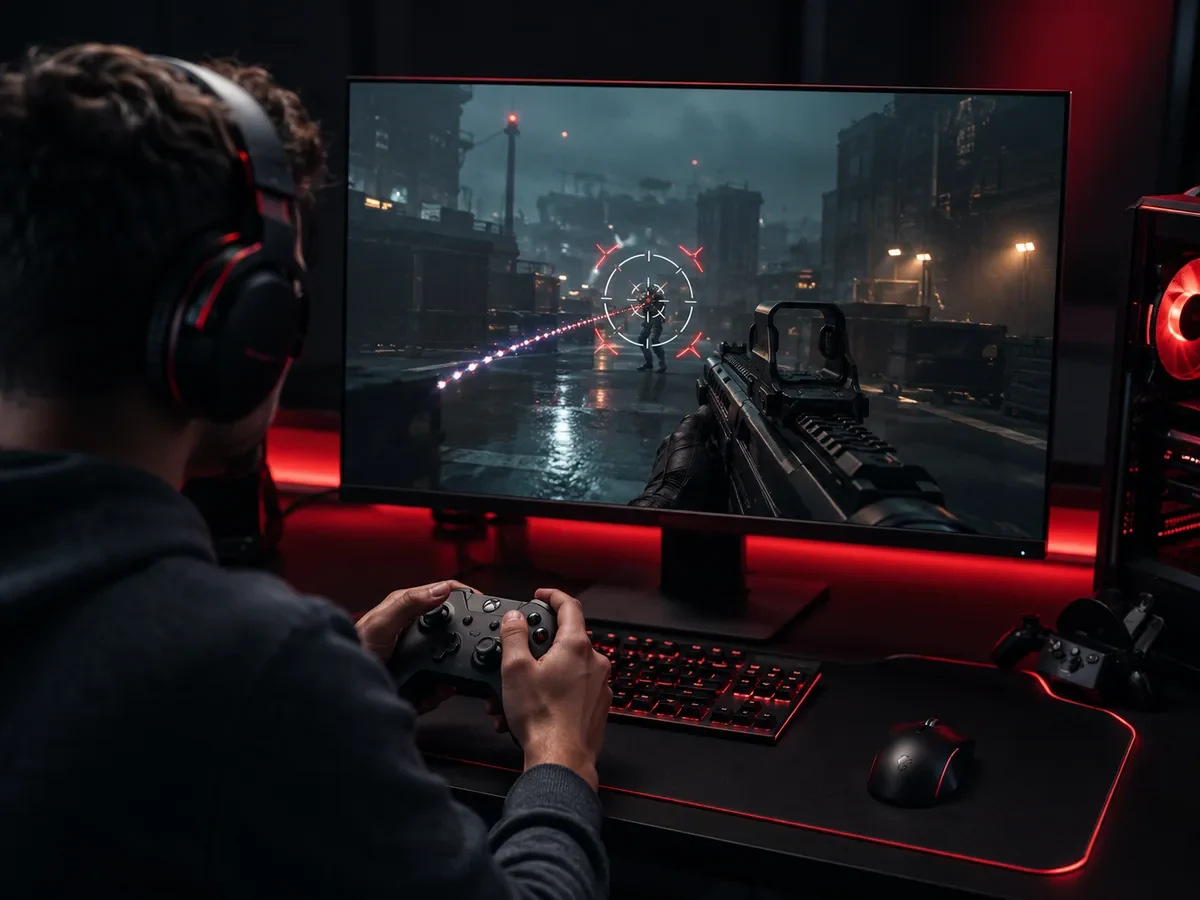
Aim assist is a built-in helper system in many shooter games that nudges your crosshair toward enemies so a controller player can aim more accurately. It does not play the game for you, and it will not turn a beginner into a champion overnight. What it does is close part of the gap between aiming with two thumbsticks and aiming with the pinpoint precision of a mouse. If you have ever wondered why your reticle seems to slow down or gently stick to a target on console, that is aim assist quietly doing its job. This guide explains what it is, why it exists, the different ways it works, the crossplay controversy around it, and how to tune it so it actually helps your play.
What Aim Assist Actually Does
At its core, aim assist is a layer of software that watches where enemies are on screen and adjusts how your aiming input behaves when a target is nearby. Instead of your crosshair moving in a perfectly raw, one to one way with your stick, the game subtly changes its speed and direction to keep you on target. Most players never see the mechanic directly. They simply notice that hitting an enemy feels a little more forgiving than the raw difficulty of a thumbstick would suggest.
It is important to be clear about what aim assist is not. It is not an aimbot, which is a cheat that automatically locks onto and shoots enemies for you. Aim assist is an official, designed feature that the developers build into the game on purpose, and it still requires you to track targets, manage recoil, and pull the trigger at the right moment. It assists your aim, but the human is still doing the aiming. That distinction matters, because people sometimes confuse a legitimate assist with cheating.
Why Aim Assist Exists in the First Place
Aim assist exists to solve a real fairness problem rooted in hardware. A mouse lets you make tiny, precise movements across a desk, with your whole hand and forearm contributing to accuracy. A controller thumbstick, by contrast, is a small spring loaded nub controlled by your thumb, and it simply cannot match a mouse for fine, fast adjustments. Without help, a skilled controller player would struggle to land the same flick shots and micro corrections that a mouse player makes effortlessly.
To keep console shooters fun and competitive, developers added aim assist as a balancing tool. It gives controller players a fighting chance, both against each other and, in modern games, against mouse players in shared lobbies. On consoles where almost everyone uses a controller, aim assist simply raises the floor for everyone equally. The debate gets more heated only when controllers and mice meet in the same match, which we will come back to later.
The Common Mechanisms Behind Aim Assist
Aim assist is not a single trick but a collection of subtle behaviors that work together. The most common is target slowdown, sometimes called friction or stickiness. When your crosshair passes over or near an enemy, the game slows your aiming speed so you do not fly straight past the target. This makes it easier to settle your reticle on a moving opponent without overshooting, and it is the effect most players feel without realizing what is happening.
A second mechanism is slight magnetism, sometimes described as a gentle snap or pull. When you aim down sights near an enemy, the game can nudge your crosshair a small amount toward the target to help you line up the shot. This is deliberately kept subtle, because too much pull would feel like the game is aiming for you. A related technique is bullet bend or bullet magnetism, where shots that pass very close to a target are gently curved or counted as hits, smoothing over the tiny imprecision of stick aiming.
The most discussed mechanism is rotational aim assist. This kicks in when an enemy is moving relative to your crosshair, and it lets your aim rotate along with the target to keep tracking them. In practice, rotational aim assist can feel very strong in close quarters, because as you and an enemy strafe around each other, the system helps your reticle follow their movement. It is one of the reasons close range gunfights can feel surprisingly forgiving on a controller, and it is the mechanic at the center of most crossplay arguments.
Where You Will Find Aim Assist
Aim assist appears almost everywhere a controller is used to aim at targets. It is most prominent in first person and third person shooters, including battle royales, hero shooters, and military style competitive titles. On consoles, where a controller is the default input, aim assist is nearly universal in any game with gunplay, and it is usually on by default so newcomers are not punished by the limits of thumbstick aiming.
The mechanic also shows up on PC whenever a player plugs in a controller, since many games detect your input device and apply aim assist only to controller users. This becomes especially relevant in crossplay games, where console and PC players share the same servers. In those titles, a controller player gets aim assist whether they are on a console or a gaming PC, while a mouse and keyboard player gets none, because the mouse is assumed to provide its own precision.
The Crossplay Controversy
Crossplay, where players on different platforms and input devices compete together, is where aim assist becomes a hot topic. The core question is simple: when a controller player with strong aim assist faces a mouse player without any, who has the advantage. The answer is not the same in every game, and it shifts depending on range, the specific title, and how aggressively each game tunes its assist values.
Mouse players often argue that powerful rotational aim assist gives controllers an unfair edge in close range fights, because the software helps track strafing targets faster than a human thumb could. Controller players counter that mouse users dominate at long range and in fast flick shots, where raw precision rules and assist barely helps. Both sides have a point, which is exactly why the debate never fully resolves. The truth is that each input has different strengths, and a well balanced game tries to make neither one clearly superior across all situations.
Developers respond to this tension in various ways. Some let you filter matchmaking by input device, so mouse players can choose to face only other mouse players. Others adjust aim assist strength over time based on community feedback and data. A few offer separate ranked queues for different inputs. As a player, the most useful thing to understand is that the balance is intentional and constantly tuned, so the experience in any given game reflects a deliberate choice rather than an accident.
How Strong Is Aim Assist and Can You Adjust It
The strength of aim assist varies widely from game to game, and many titles let you adjust or even disable it in the settings menu. Most shooters offer aim assist as a simple on or off toggle, and some provide a slider or several presets that change how strongly the assist behaves. Turning it off entirely is rare for controller players, since the raw difficulty of thumbstick aiming returns immediately, but some competitive players experiment with different strengths to find what feels most natural.
Closely tied to aim assist is your sensitivity setting, which controls how fast your crosshair moves when you push the stick. A sensitivity that is too high makes you overshoot targets and fight against the slowdown, while one that is too low makes you feel sluggish and unable to turn quickly. Finding a comfortable sensitivity is the single most important step toward consistent aim, because aim assist works best when it complements a stick speed you can actually control. Many games also separate aiming sensitivity from look sensitivity, letting you slow things down precisely when you aim down sights.
Beyond raw sensitivity, look for options like aim response curve, dead zone, and aim assist windows. The response curve changes how stick movement translates to crosshair speed, with some curves giving fine control near the center and faster turns at the edges. The dead zone is how far you must push the stick before it registers, and a smaller dead zone can feel more responsive if your controller is in good condition. These settings interact with aim assist, so adjusting them together, then practicing, is the path to aim that feels both accurate and natural.
Accessibility Benefits of Aim Assist
Beyond competitive balance, aim assist is a meaningful accessibility feature. Precise thumbstick aiming demands fine motor control, steady hands, and quick reactions, and not everyone can deliver all three. For players with limited hand mobility, tremors, reduced dexterity, or other physical differences, aim assist can be the difference between enjoying a shooter and being unable to participate at all. By smoothing over the hardest part of stick aiming, it opens these games to a far wider audience.
Many developers now treat aim assist as part of a broader accessibility toolkit, alongside options like adjustable timing windows, toggle versus hold controls, and customizable button layouts. Even players without any physical barrier benefit from this design philosophy, because a game that is welcoming to newcomers tends to be more fun for everyone. Viewing aim assist purely as a competitive crutch misses this larger purpose, since for many people it is simply what makes the hobby accessible in the first place.
Tips to Use Aim Assist Well
To get the most from aim assist, the first tip is to keep your crosshair near head and chest height as you move, since the assist only helps when a target is close to your reticle. Many newer players let their aim drift toward the ground or sky between fights, which means the assist has nothing to grab onto when an enemy appears. Pre aiming at likely angles, with your crosshair already where an enemy will be, lets the slowdown and magnetism kick in the instant a target shows up.
The second tip is to make small, deliberate stick movements rather than large, jerky ones. Aim assist rewards smooth tracking, and yanking the stick across an enemy fights against the slowdown you want to use. Practice keeping your reticle on a moving target by gently following it, letting the assist help you stay locked on. Combine this with a sensitivity you can control, and you will land far more consistent shots than by relying on quick, panicked flicks.
Finally, spend time in a practice range or low stakes mode to feel how your game's specific aim assist behaves. Every title tunes it differently, so the muscle memory you build in one shooter may not transfer perfectly to another. Pay attention to how the slowdown feels at different ranges, experiment with sensitivity and response curve settings, and give any change a few sessions before judging it. Aim assist is a tool, and like any tool it works best once you understand its feel and build your aim around it.
FAQ
Is aim assist the same as an aimbot?
No. An aimbot is a cheat that automatically locks onto and fires at enemies for you, which is against the rules and gets accounts banned. Aim assist is an official feature the developers build into the game on purpose. It only nudges your aim and slows your crosshair near targets, while you still track, control recoil, and pull the trigger yourself.
Why do controller players get aim assist but mouse players do not?
A mouse offers precise, fast movements that a thumbstick cannot match, so controller players would be at a hardware disadvantage without help. Aim assist closes part of that gap. Most games apply it only to controller input because the mouse is assumed to provide its own precision, which keeps console and crossplay matches more balanced.
Can I turn aim assist off?
In most shooters, yes. Aim assist is usually an on or off toggle in the settings menu, and some games offer strength sliders or presets. Controller players rarely disable it completely because thumbstick aiming becomes much harder, but you are free to experiment to find the level that feels best for you.
Does aim assist work in crossplay against PC players?
Yes. In crossplay games, a controller player gets aim assist whether they are on a console or a gaming PC, while mouse and keyboard players get none. This is the source of most aim assist debates, since each input has different strengths at different ranges and the balance varies from game to game.
What is rotational aim assist?
Rotational aim assist lets your crosshair rotate along with a moving enemy to help you keep tracking them, especially in close range fights where you and an opponent strafe around each other. It is often the strongest form of assist and the one most discussed in crossplay balance arguments.
How do I make aim assist feel better?
Start by setting a sensitivity you can control, since aim assist works best alongside a stick speed that suits you. Keep your crosshair near enemy height, make smooth rather than jerky movements, and experiment with response curve and dead zone settings. Then practice in a low stakes mode until the feel becomes second nature.
Does aim assist help with accessibility?
Very much. Precise thumbstick aiming demands fine motor control and quick reactions that not everyone can provide. For players with tremors, limited dexterity, or reduced hand mobility, aim assist can make a shooter playable when it otherwise would not be, which is why many developers treat it as an important accessibility feature.
Digidang Team
Gaming enthusiast and marketplace expert sharing tips, guides, and the best gaming deals.