Mechanical vs Membrane: Best Gaming Keyboards in 2026
Summary
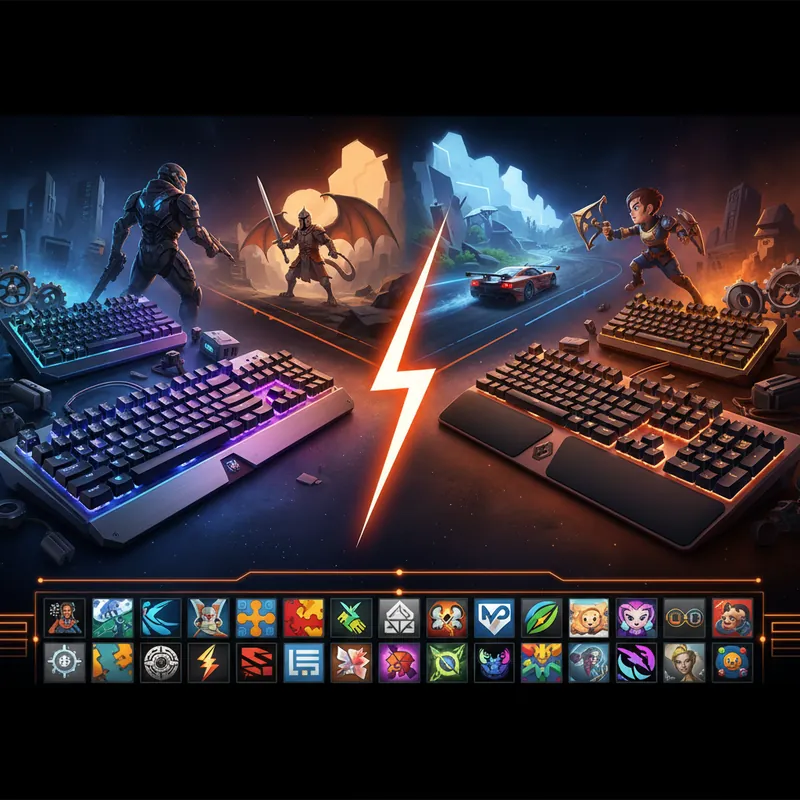
For most gamers a mechanical keyboard is the better long-term buy: switches are rated for far longer life, hot-swappable boards let you change switches without soldering, and analog Hall Effect models add adjustable actuation. Membrane keyboards still make sense for tight budgets, quiet rooms, and spill-prone desks. Our picks cover six different needs.
| Pick | Best for | Key trait from our review |
|---|---|---|
| Custom 75% mechanical with Gateron switches | Best overall | Compact layout that keeps arrow keys |
| Redragon K552 with Outemu Blue switches | Best budget | Entry-level mechanical feel |
| Wooting 80HE | Best premium | Analog Hall Effect switches |
| Logitech G915 TKL | Best wireless | Low-profile switches |
| 60% hot-swappable mechanical | Best compact | Swap switches without soldering |
| Split mechanical keyboard | Best ergonomic | Separated halves for wrist posture |
Verdict: buy mechanical unless budget, noise, or spills are your main concern, then membrane is a sensible choice.
Mechanical vs Membrane: Best Gaming Keyboards in 2026
Quick Answer
The keyboard debate continues. Here's everything you need to know to make the right choice.
Your gaming keyboard is arguably the most important peripheral in your entire setup. Unlike a mouse or headset that you might swap out between sessions, your keyboard is the gateway between your brain and your in-game actions. Every keystroke, every rapid combo, every clutch defuse in CS2 or sprint in Valorant - it all comes down to what's under your fingers. Choosing between mechanical and membrane keyboards is one of the most debated topics in gaming, and for good reason. The decision affects not just your gaming performance, but also your comfort during long sessions and your overall typing experience whether you're gaming or working.
In 2026, the keyboard landscape has evolved dramatically from the days when mechanical keyboards were niche enthusiast products. Today, you have options at every price point, with innovations like hot-swappable switches, analog technology, and hybrid designs that blur the lines between traditional categories. This comprehensive guide breaks down everything you need to know to make an informed decision about your next gaming keyboard.
Understanding Mechanical Keyboards
Mechanical keyboards represent the gold standard for most serious gamers, and it's easy to understand why once you experience one. Each key on a mechanical keyboard has its own independent switch mechanism, meaning every single keystroke involves a physical spring and stem assembly that moves independently of every other key. This fundamental difference from membrane technology creates a completely different typing and gaming experience.
How Mechanical Switches Work
A mechanical switch consists of a stem (usually shaped like a plus sign), a spring, and a housing. When you press a key, the stem travels downward, compressing the spring, until it contacts metal contact points that register the keystroke. The distance the stem travels before registration is called the actuation point, typically ranging from 1.5mm to 2.2mm depending on the switch type. This consistent, predictable actuation point is why gamers love mechanical keyboards - you know exactly when a keystroke will register, eliminating the guesswork present in mushier membrane keyboards.
The most common mechanical switch standard is Cherry MX, developed by Cherry Corporation. Cherry MX switches are designed with standardized dimensions, making them compatible with most mechanical keyboard brands and allowing for easy customization and replacement.
Popular Switch Types for Gaming
Linear Switches (Cherry MX Red): These switches provide a smooth, uninterrupted keystroke from top to bottom. There's no tactile bump or audible click - just pure linear motion. This makes them ideal for fast-paced games where you need rapid, consistent inputs without any resistance interrupting your flow. Professional esports players often favor linear switches for competitive shooters and fighting games.
Tactile Switches (Cherry MX Brown): Offering a middle ground, tactile switches provide a subtle bump in the middle of the keystroke without the loud click. This bump gives you tactile feedback that you've activated the key, which many gamers find comforting during intense sessions. Tactile switches work well for both gaming and typing, making them versatile for content creators and gamers alike.
Clicky Switches (Cherry MX Blue): These switches produce an audible click sound and tactile bump for each keystroke. The distinct feedback appeals to typists and casual gamers who want clear confirmation of each key press. However, the noise level can be distracting during competitive play and problematic for teammates in multiplayer games using voice chat. Some professional gamers do use clicky switches and simply accept the auditory feedback as part of their setup.
Speed Switches (Cherry MX Speed): Newer mechanical switches like Cherry MX Speed or similar variants feature reduced actuation distances (as low as 1.2mm) and require less travel to register. These appeal to competitive gamers seeking faster response times, though the psychological benefit is often greater than the actual performance improvement.
Durability and Lifespan
One of the most compelling arguments for mechanical keyboards is their exceptional durability. Quality mechanical switches are rated for 50 to 100 million keystrokes. If you're an average typist pressing around 2 million keys per year, your mechanical keyboard could theoretically last 25-50 years. In practical terms, this means your mechanical keyboard will outlive multiple membrane keyboards, making it a superior long-term investment despite the higher upfront cost.
The Case for Membrane Keyboards
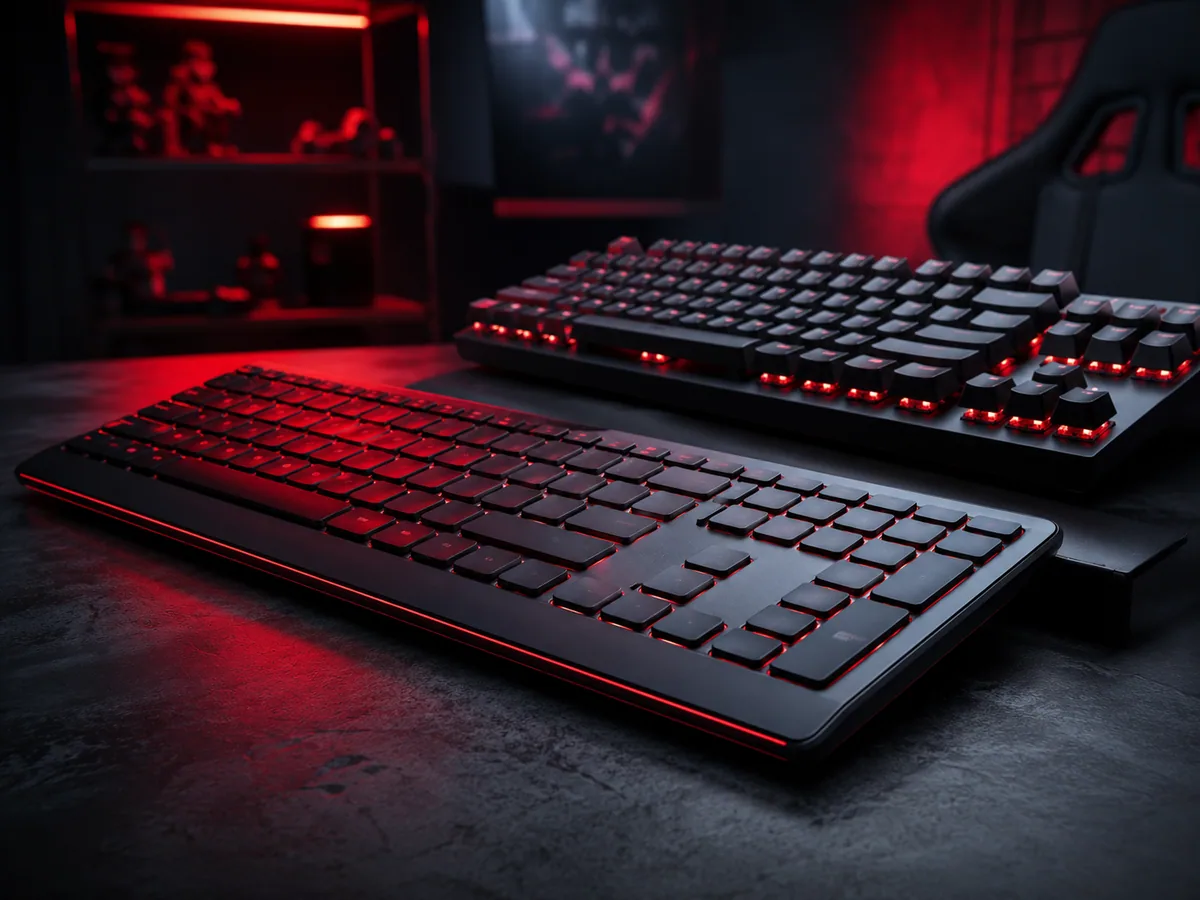
While mechanical keyboards dominate enthusiast circles, membrane keyboards remain relevant in 2026, particularly for budget-conscious gamers and those with specific preferences regarding noise and profile. Modern membrane technology has improved substantially, and dismissing all membrane keyboards as inferior is inaccurate.
How Membrane Technology Works
Membrane keyboards use a rubber dome layer beneath the keys. When you press a key, the rubber dome collapses, allowing a conductive material on the underside to contact circuit board traces below, registering the keystroke. The dome then springs back to its resting position. This design is simpler and cheaper to manufacture than mechanical keyboards, which explains the lower price point.
The trade-off is that membrane keyboards lack the consistent actuation point of mechanical switches. The keystroke is mushier, with resistance that gradually increases as you press down. Some gamers find this unpredictable, while others find it perfectly acceptable or even preferable. Membrane keyboards also tend to produce less audible feedback, making them quieter options for shared spaces.
Modern Membrane Improvements
Quality membrane keyboards have made remarkable strides. Premium membrane options now feature improved key rollover, programmable macros, RGB lighting, and responsive designs that feel significantly better than budget alternatives. Brands have developed thicker domes, reinforced frames, and better spring mechanisms that narrow the gap with mechanical keyboards in terms of typing feel.
When Membrane Makes Sense
Membrane keyboards make excellent sense for casual gamers, budget-limited players, or anyone switching from traditional office keyboards. If you're playing story-driven single-player games, strategy games, or MOBAs where gaming speed is less critical than mechanical precision, a quality membrane keyboard performs admirably. They're also ideal if noise is a concern - you won't disturb family members or roommates during late-night gaming sessions, and your teammates will appreciate not hearing constant typing in voice chat.
The Hot-Swappable Revolution
The biggest innovation in mechanical keyboards over the past few years is the widespread adoption of hot-swappable PCBs. This technology has democratized mechanical keyboard customization and represents a significant advantage for gamers seeking flexibility without technical expertise.
What Hot-Swappable Means
Traditional mechanical keyboards require soldering to change switches. You'd need to desolder each switch individually, remove it from the PCB, install a new switch, and solder it back in place. This process is time-consuming, requires specialized tools, and carries risk if you're not experienced with soldering equipment. Hot-swappable keyboards feature sockets on the PCB that mechanically grip switch stems without soldering, allowing you to insert or remove switches instantly with a simple puller tool.
The Gaming Advantage
Hot-swappable keyboards transform the mechanical keyboard experience. You can purchase multiple switch types and experiment to find your ideal fit without committing financially. Want to try linear red switches for your main gaming profile but prefer tactile browns for typing? With a hot-swappable keyboard, you can maintain separate switch sets and swap them in seconds depending on your activity.
This flexibility also extends the lifespan of your keyboard. Instead of replacing an entire keyboard when you want different switches, you simply swap the switch set. This produces less electronic waste and represents better value over the long term.
Advanced Gaming Keyboard Technologies for 2026
Analog Hall Effect Switches
Wooting pioneered analog switches using Hall Effect sensors that detect the exact position of the switch at all times, not just whether it's pressed or not. These switches enable analog input where games can detect variable degrees of key press - imagine holding a key down to 50% activation for half-speed movement, or pressing it fully for full speed. This technology creates entirely new gameplay possibilities in games that support it, giving competitive advantages in titles optimized for analog input.
Wireless Gaming Keyboards
Wireless technology has matured to the point where latency is no longer a legitimate concern. Modern wireless gaming keyboards using 2.4GHz USB receivers or Bluetooth connections offer response times comparable to wired keyboards. This eliminates cable clutter and provides the freedom to position your keyboard for optimal ergonomics or aesthetics without constraints.
Customizable RGB Lighting
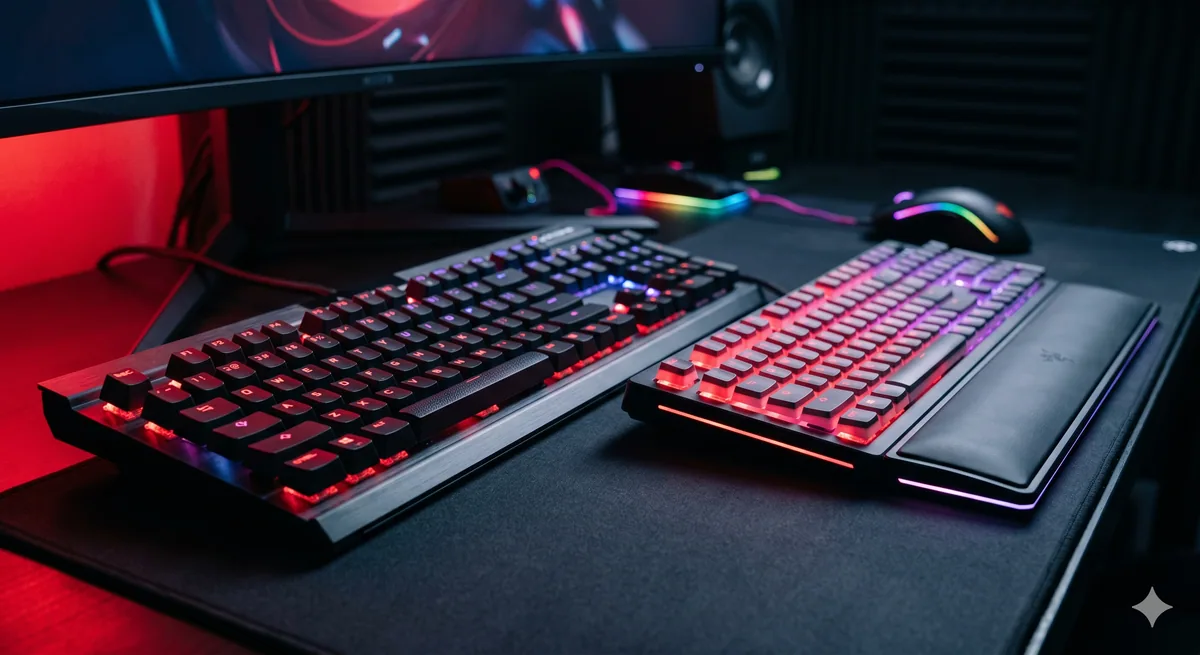
While often dismissed as purely aesthetic, RGB lighting has become sophisticated enough to serve functional purposes. Per-key RGB allows you to color-code abilities in your favorite games, highlight WASD movement keys for quick reference, or create mood lighting that matches your setup. Many keyboards integrate with game engines to automatically adjust lighting based on in-game events.
Programmable Macro Keys
Most gaming keyboards now feature dedicated macro programmable keys or software that lets you assign complex sequences to single button presses. For competitive gaming, macros can bind entire ability rotations, item purchases, or communication commands to single keys, reducing the actions required to execute complex plays.
Best Gaming Keyboards in 2026: Our Top Picks
Best Overall: Custom 75% Mechanical with Gateron Switches
The 75% form factor has become the sweet spot for gaming and typing in 2026. These keyboards maintain full functionality while eliminating the numpad, saving desk space without sacrificing the arrow keys and function row. Pairing this form factor with Gateron switches - which offer smoother action and more consistent quality than Cherry MX - creates an ideal all-around gaming keyboard. Custom builds with hot-swappable sockets let you tailor the experience to your preferences. Expect to spend $150-250 for quality custom options.
Best Budget: Redragon K552 Mechanical with Outemu Blue Switches
For gamers on tight budgets, the Redragon K552 delivers surprising quality at an entry-level price point. This 60% compact keyboard features real mechanical Outemu Blue switches - clicky and tactile - at a price point typically reserved for membrane keyboards. The compact design saves desk space, and the build quality punches well above its weight. Available for under $50, it's an exceptional value for casual gamers or those testing the mechanical waters before investing in premium options.
Best Premium: Wooting 80HE with Analog Hall Effect Switches
If budget is no concern and you want cutting-edge technology, the Wooting 80HE represents the pinnacle of gaming keyboard innovation. The analog Hall Effect switches enable variable input that transforms how you interact with supporting games, particularly in competitive shooters where precise movement control matters. The build quality is exceptional, the design is elegant, and the feature set is comprehensive. Prices exceed $200, making this an investment, but one serious competitive gamers find worthwhile.
Best Wireless: Logitech G915 TKL with Low-Profile Switches
The Logitech G915 TKL offers wireless convenience without sacrificing gaming performance. The low-profile switches require less travel distance than standard mechanical switches, appealing to gamers preferring fast, shallow actuation. The TKL (tenkeyless) form factor maintains functionality while reducing size. Logitech's wireless 2.4GHz connection is rock-solid, and the battery life extends beyond a month per charge. Expect to pay around $150-200 for this premium wireless option.
Best Compact: 60% Mechanical with Hot-Swappable Design
For minimalist gamers and desk space enthusiasts, a 60% hot-swappable mechanical keyboard represents the ultimate compact gaming solution. These tiny keyboards eliminate everything except the letter keys, maintaining all gaming functionality while taking up minimal real estate. Brands like Keychron and GMMK offer quality 60% options around $100-150 that let you customize switch types for your preferred feel.
Best Ergonomic: Split Mechanical Keyboard Design
For gamers concerned about long-term wrist health or those experiencing RSI (repetitive strain injury), split mechanical keyboards separate the key layout, allowing your hands to rest in a more natural position.
Pro Tips from the Digidang Team
Based on the Digidang team's experience handling thousands of gaming transactions every month since 2020, here are the tips we share most often with our loyal customers.
- Watch YouTube gameplay over written reviews: Written reviews sometimes hype too hard or carry bias. Watch 10-15 minutes of gameplay to see if pace and visuals match your taste.
- Check minimum vs recommended specs: Many gamers buy without checking their PC specs and end up refunding. Use a tool like "Can You Run It" before purchasing.
- Wait for official sales: Steam Summer Sale, PSN Holiday Sale, and Epic Mega Sale happen on schedule every year. Discounts of 50-80% are normal 3-6 months after launch.
- Start with single-player: New gamers should start with strong narrative single-player titles (RPGs, action-adventures) before jumping into competitive multiplayer.
- Join local communities: Indonesian Discord and Telegram groups often have mod, build, and tip recommendations you won't find on international forums.
Why Buy Gaming Products at Digidang
As a digital gaming marketplace operating since 2020, Digidang is built by and for Indonesian gamers. Here's why thousands of gamers trust Digidang for their top-up and gift card needs:
- Competitive pricing: We continuously monitor other marketplace prices and adjust so you always get the best deal without hidden cost drama.
- Instant automated process: Digital codes arrive in your inbox in minutes, not hours or days. We know gamers want to play right away.
- 24/7 customer service: Our support team is ready to respond via WhatsApp and email anytime. Not a bot - you chat with humans who understand gaming.
- Safe and trustworthy: Payments are processed via official payment gateways (Midtrans, Xendit), not personal transfers. Your data is protected with 256-bit SSL encryption.
- Complete product variety: From Mobile Legends, PUBG, Genshin Impact top-ups, to Steam, Roblox, PlayStation gift cards - all available on one platform.
- Active community: Digidang has an active Discord and Instagram community sharing tips, builds, and discussions about Indonesian gaming.
Check the Digidang catalog to see all available gaming products, or visit our about page to learn more about Digidang's mission to build a healthy Indonesian gaming ecosystem.
Conclusion & Key Takeaways
Mechanical vs Membrane: Best Gaming Keyboards in 2026 isn't a static gaming topic - it evolves quickly with new game releases, publisher updates, and trends in the Indonesian gaming community. The Digidang team will continue to update this article to keep it relevant to current conditions.
Key points to remember from this guide:
- Always prioritize account security: Enable 2FA, never share passwords, and avoid buying from untrusted sellers.
- Compare prices across multiple sources: Even though Digidang offers competitive pricing, the habit of comparing before buying is a healthy behavior.
- Take advantage of events and promotions: Significant savings come from combining Digidang discounts with publisher in-game events.
- Verify every transaction detail: User ID, region, and denomination - small mistakes can lead to non-refundable losses.
- Use Digidang's support: Our customer service is active 24/7 via WhatsApp and email. Don't hesitate to reach out with any questions.
Have more questions? Check the FAQ section below, or contact the Digidang team directly via WhatsApp for free consultation on the gaming products you need.
Frequently Asked Questions (FAQ)
How did you decide which games make this list?
Digidang's editorial team selects games based on Metacritic ratings, active player counts, gameplay mechanics, value for money, and feedback from the Indonesian gaming community. We update this list regularly as new titles release.
Is the information in this article reliable?
Yes. All Digidang content is written by editors who actively play and follow the gaming industry. Every recommendation goes through internal verification before publication, and we update articles when new information becomes available.
How do I buy gaming products on Digidang?
Browse our shop, pick the product you want, add to cart, and checkout. We accept bank transfer, e-wallets (OVO, GoPay, Dana, ShopeePay), credit cards, and QRIS. Digital codes are delivered instantly to your email after payment is confirmed.
How fast is digital code delivery?
Codes are delivered automatically to your email within 5 minutes after successful payment. If you don't receive it within 30 minutes, check your spam folder or contact our support team via WhatsApp.
Does Digidang guarantee codes work?
Every code from Digidang is guaranteed valid. If you run into any redemption issues, our customer service team is available 24/7 via WhatsApp and email. We'll replace the code or process a refund if the problem is on our side.
Is it safe to buy digital gaming products on Digidang?
Absolutely. Digidang has been operating since 2020 with thousands of successful transactions. All payments go through official payment gateways (Midtrans, Xendit) with 256-bit SSL encryption. We never share your personal data with third parties.
Why should I choose Digidang over other marketplaces?
Digidang specializes in digital gaming products with competitive pricing, instant delivery, and responsive support. Our team understands gamers because we're run by an Indonesian gaming community ourselves.
Lisa Wong
Gaming enthusiast and marketplace expert sharing tips, guides, and the best gaming deals.