Nintendo Switch Online Guide: Plans, Prices, How to Buy
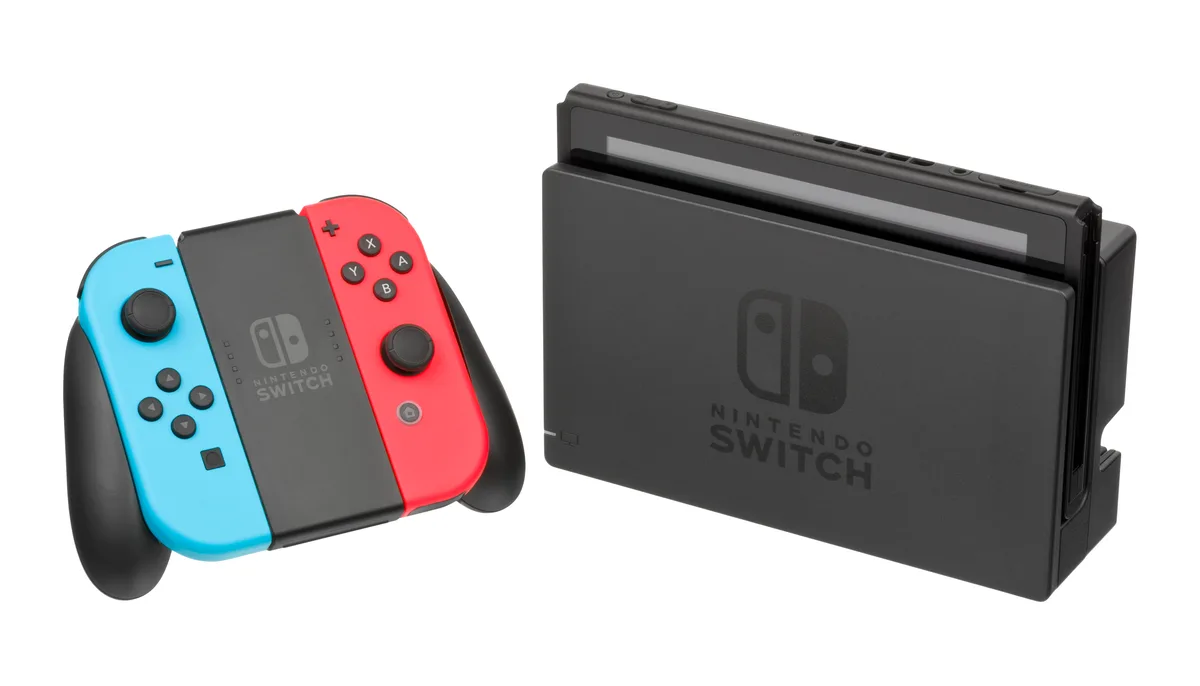
Nintendo Switch Online is Nintendo's official subscription service. It unlocks online play, cloud save backup, libraries of classic games, and a set of member-only offers. This guide covers what each tier includes, the official pricing Nintendo publishes, how to buy and extend a membership, the region rules that quietly break gift card redemptions, and what you lose when a membership lapses.
Every rule and figure below is taken from Nintendo's own pages: the Nintendo Switch Online overview, the compare membership plans page, How Much Does a Nintendo Switch Online Membership Cost, How to Purchase or Extend a Nintendo Switch Online Membership, How to Cancel a Nintendo Switch Online Membership or Adjust Auto-Renewal Settings, How to Sign Up for a Free Nintendo Switch Online Trial Membership, Can I Purchase Multiple Nintendo Switch Online Memberships, Information About Nintendo Switch Online Family Memberships, Nintendo Switch Online Service and Feature Availability by Country, and Nintendo eShop and Theme Shop Availability In Our Region. The prices Nintendo lists are United States prices; other countries differ, and you should check the eShop tied to your own account.
What Nintendo Switch Online Actually Includes
Nintendo Switch Online is a paid subscription attached to a Nintendo Account, not to a console. According to Nintendo's official overview, the base membership covers six things: online play in supported games, GameChat on Nintendo Switch 2 systems, the Nintendo Classics libraries of NES, Super NES, and Game Boy titles, the Nintendo Music smart device app, Save Data Cloud backup, and member-exclusive offers.
Because the service attaches to accounts, one membership does not automatically cover everyone on a single console. Nintendo says so plainly on its family membership page: multiple users on the same console are not automatically covered by a family membership, and each of them still has to be added to the family group to use the service.
One benefit is routinely underrated. Online play is not the only reason to subscribe. Save Data Cloud is the safety net that only proves its worth when a console breaks or goes missing, and Nintendo states that you can regain access to those cloud backups if you begin a new membership within 180 days of the old one ending.
Two Tiers and Their Official Prices
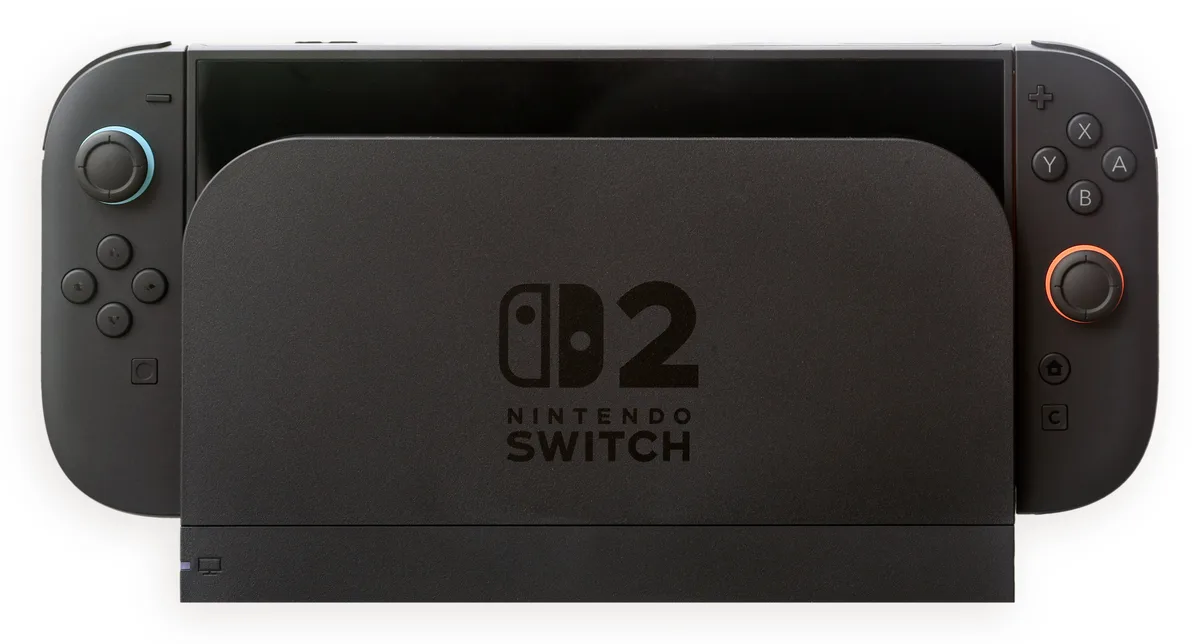
Nintendo sells two tiers. The base tier is Nintendo Switch Online. The upper tier is Nintendo Switch Online + Expansion Pack, which according to the official comparison page adds Nintendo Classics libraries for Game Boy Advance, Nintendo 64, Virtual Boy, and SEGA Genesis, plus GameCube Nintendo Classics exclusive to Nintendo Switch 2, the Nintendo Switch 2 Edition Upgrade Packs for The Legend of Zelda: Breath of the Wild and Tears of the Kingdom, and selected DLC at no extra cost.
The DLC Nintendo names explicitly on that page is the Mario Kart 8 Deluxe Booster Course Pass, Animal Crossing: New Horizons Happy Home Paradise, and Splatoon 2 Octo Expansion. The important caveat is that you still need the full version of each game to use its DLC, because the games are sold separately.
That comparison page also carries a footnote that is easy to skip: Virtual Boy Nintendo Classics and the Nintendo Switch 2 Edition Upgrade Packs for both Zelda titles are only available in the U.S. and Canada. So the Expansion Pack tier is not identical everywhere, which is one more reason to check the official availability list before you pay.
Here are the official United States prices as shown on Nintendo's support pages. Nintendo states that membership pricing depends on its duration and the country where it is being used, so these are not global figures.
| Plan | Duration | Official price (United States) |
|---|---|---|
| Nintendo Switch Online Individual | 1 month | $3.99 USD |
| Nintendo Switch Online Individual | 3 months | $7.99 USD |
| Nintendo Switch Online Individual | 12 months | $19.99 USD |
| Nintendo Switch Online Family | 12 months | $34.99 USD |
| Nintendo Switch Online + Expansion Pack Individual | 12 months | $49.99 USD |
| Nintendo Switch Online + Expansion Pack Family | 12 months | $79.99 USD |
Notice the shape of that pricing. The Expansion Pack tier is sold only as a 12-month plan, while the base tier offers monthly and quarterly options. If you only wanted to sample the Nintendo 64 or SEGA Genesis library for a few weeks, there is no cheap short commitment; the entry point is a full year.
Individual or Family: The Arithmetic That Decides
A family membership covers up to eight Nintendo Accounts in one family group. Nintendo does the maths itself on the overview page: with eight people, a base Family membership works out to under $5 per person per year, and a Family Expansion Pack costs about $10 per person per year. Compare that with $19.99 and $49.99 for a single account and the gap is obvious.
Several family rules deserve a read before you split the bill with friends. According to Nintendo's family membership support page:
- Family memberships can only be purchased by someone aged 18 or over.
- The purchaser does not have to be the family group admin, but only the admin can add or remove people.
- Family group members may have different country settings, though not all features are available in all countries.
- Accounts already covered by an active family membership cannot buy or redeem a code for an individual membership.
- If the person who bought the family membership leaves the group, everyone else immediately loses the service, Save Data Cloud included.
One trap is worth underlining. If you already hold an Individual membership and someone adds you to their Family membership, the two run separately and are not added together. Nintendo advises adjusting the auto-renewal settings on the Individual membership so you do not pay twice for the same stretch of time.
How to Buy and Extend a Membership
Nintendo documents two main routes: redeeming a membership download code, or paying directly with a credit card, PayPal, or your Nintendo eShop funds. Both are done from the eShop on the console, and some steps also work from the Nintendo Account website.
| Route | Steps according to Nintendo | What to watch |
|---|---|---|
| eShop on console | Open Nintendo eShop from the HOME Menu, select the account, select Nintendo Switch Online on the left, then Check/Change Membership to see plans and pricing | The prices shown are those of your account's country |
| Membership download code | Scroll to Redeem Code, enter the 16-digit code, accept the terms, then select Confirm | Codes for the U.S., Canada, and Mexico cannot be used in Latin American countries, and the reverse is also true |
| Credit card | Chosen at purchase confirmation inside the eShop | Nintendo says the credit card must match the same country as the eShop |
| PayPal | Linked to the Nintendo Account first, which can be done by scanning a QR code from the eShop | Nintendo requires a credit card or PayPal account for users aged 18 and over |
| Nintendo eShop funds | Selected as Available Funds, including as the auto-renewal payment method | Funds are topped up with an eShop gift card from the same country as the account |
That eShop funds route matters most for players outside fully supported countries. You top up the balance with an eShop gift card, then pay for the membership from that balance. If you have never used a Nintendo gift card, read our Nintendo eShop gift card guide first so the code format and redemption flow are familiar, then check our breakdown of digital game voucher types so you do not buy the wrong kind of card.
Nintendo also documents the code formats people mix up. On retailer cards, the Download Code usually starts with a B and has no hyphens, while the Control Number usually starts with an S and does have hyphens. The eShop wants the Download Code. Nintendo adds that letters and symbols never used in prepaid codes, such as O, I, Z, commas, and hyphens, are disabled on the on-screen keyboard. If you feel forced to type one of those, you are almost certainly reading the wrong number. To confirm a code is genuine and unused, follow the steps in how to check whether a digital game code is genuine.
Region Rules: The Card Must Match the Country
This is where most failed transactions come from. Nintendo's eShop availability support page states that the Nintendo eShop of any country in its region will only accept Nintendo eShop Cards or credit cards that correspond to that same country. Nintendo goes further with a blunt warning: if you change your system's country setting to a country where the eShop is available and then try to pay with your credit card, you will likely have problems, and there is nothing Nintendo can do to solve them.
The consequence is simple but expensive when ignored. A US dollar eShop gift card is only useful on a Nintendo Account set to the United States. A card for another country will not redeem there. The same principle governs nearly every digital storefront, and we go deeper into it in understanding digital gift card regions.
Nintendo also separates service availability by country. The Nintendo Switch Online Service and Feature Availability by Country page records that within the Americas, only the United States, Canada, Argentina, Brazil, Chile, Colombia, Mexico, and Peru get Online Play, Save Data Cloud, classic game libraries, the smartphone app, Game Trials, and the seven-day free trial. Other countries in that region are marked as not available across the board. The pricing page states it just as bluntly: if your country is not listed, Nintendo Switch Online is not available there or it falls outside their region of support.
So the first step before buying anything is to open your Nintendo Account settings and confirm the country. After that, buy a gift card whose region matches. If you buy from a digital marketplace, make sure the region is spelled out in the product name, as it is on our Nintendo eShop $25 USD gift card, which is specific to United States accounts.
The Seven-Day Free Trial and Automatic Renewal
Nintendo offers a seven-day free trial of an Individual membership. According to the official support page, the rules are:
- Only for Nintendo Accounts in countries where the eShop is available.
- One trial per Nintendo Account.
- Not usable by accounts with an active individual or family membership, though it can be used after that membership ends.
- Cannot be redeemed for the Expansion Pack tier.
- A payment method for auto-renewal must be entered before the trial starts.
That last point is the one to watch. Nintendo states the payment method you choose will be set up to renew automatically when the seven days end, and that you will not be charged only if you cancel the auto-renewal before the trial period is over. So if you genuinely just want a taste, turn auto-renewal off on day one, not on day seven.
To turn it off, Nintendo documents three paths: the eShop on Nintendo Switch 2, the eShop on a Nintendo Switch console, and the Account Home website at accounts.nintendo.com/portal. In each case the option is called Cancel Your Subscription by Turning Off Automatic Renewal, or Cancel Your Pass by Turning Off Auto-Renewal.
Two details are easy to miss. First, Nintendo asks you to turn auto-renewal off at least 48 hours before the membership is set to expire. Second, once auto-renewal is turned off it cannot be turned on again; you have to buy again manually. Nintendo also states the membership stays active until the end of its term and that no refunds or credits are given for the remaining time. If you want to compare how rival subscriptions behave, see our Game Pass versus PS Plus comparison.
Stacking Time, Upgrading, and Download Codes
Nintendo's stacking rules are specific and easy to misread. According to the official support page, you can buy or redeem codes for the same plan repeatedly to add time, and the remaining time on your account can be increased up to three years. What you cannot do is combine time from different plans through download codes; in that case you simply receive whichever duration is longer.
If you upgrade by purchasing rather than redeeming a code, Nintendo applies a discount based on the number of days remaining on your current membership. After the purchase, the old membership ends and the new one begins. The official comparison page says plan changes can be made at any time through the Nintendo eShop or Nintendo Account settings, with a prorated discount.
| Scenario | Result according to Nintendo |
|---|---|
| 35 days left on Individual, buy another 1-year Individual | Remaining time becomes 400 days |
| 35 days left on Individual, buy a 1-year Family | Family price is discounted, the 35 days are removed, the 1-year Family begins |
| 35 days left on Individual, then added to someone else's Family | The Individual keeps running separately and is not merged |
| Already on Individual, redeem an Expansion Pack Family code | Both memberships run concurrently and are not combined |
| Already covered by Family, redeem an Expansion Pack Individual code | Error code 2813-0141 appears |
The practical lesson: if your goal is to stack time, buy exactly the same plan. If your goal is to move up a tier, buy directly in the eShop so the prorated discount applies rather than redeeming a code. Getting this backwards is not merely inconvenient. It can leave two subscriptions running side by side and burn your money twice. If a purchase fails or funds do not appear, our failed game top-up guide walks through the recovery steps.
When a Membership Lapses: What You Lose, What Survives
Nintendo lists the consequences of letting a membership expire quite clearly:
- Save Data Cloud backup is no longer available. Save data stored in console memory still works, and cloud backups become accessible again if you start a new membership within 180 days.
- If the lapsed plan was a Family membership, every member of the group loses the service too.
- Nintendo Switch Game Vouchers can only be redeemed with an active paid membership, although vouchers remain usable if you begin a new paid membership before they expire.
- Custom Nintendo Switch Online user icons you have already made stay usable even after the membership ends.
That 180-day window matters for budgeting. If you are simply playing less for a while, a few months off does not automatically erase your cloud saves. The dangerous version is the long, uncounted gap you only notice after the deadline has passed.
A Checklist Before You Pay
Run through this short list before you press buy. The order is deliberate, starting with the mistakes that cost the most money.
- Check your Nintendo Account country setting, not your physical location. The account country determines which card region is valid.
- Confirm the service is available in that country using Nintendo's official availability page.
- Decide which tier you genuinely need. The Expansion Pack only makes sense if you will really play the Nintendo 64, Game Boy Advance, or SEGA Genesis libraries, or use the included DLC.
- If you plan to split a family plan, make sure the purchaser is someone who will stay in the group, because their departure ends the service for everybody.
- If you pay with a gift card, match the denomination to the plan price so leftover balance does not sit idle.
- Set a reminder two days before the renewal date if you do not want an automatic renewal.
- Keep the receipt and the code. If you buy from a marketplace, make sure the seller has a clear verification procedure like the one described on our how we verify page.
For safer digital buying habits in general, see safe digital shopping tips, how to choose a game top-up platform, and how to secure a game account with 2FA. When you compare final costs across stores, tax is often the deciding component, which we cover in understanding VAT on digital products. For local payment routes, our e-wallet guide for game top-ups maps out the options.
Frequently Asked Questions
How much does Nintendo Switch Online officially cost?
For the United States, Nintendo's support page lists Individual at $3.99 USD per month, $7.99 USD for three months, and $19.99 USD per year; Family at $34.99 USD per year; Expansion Pack Individual at $49.99 USD per year; and Expansion Pack Family at $79.99 USD per year. Nintendo states pricing depends on duration and country, so check the price in your own account's eShop.
Can one membership cover several people on the same console?
Not automatically. Nintendo states that multiple users on the same console are not automatically covered by a family membership. They must be added to the family group first, because the service attaches to Nintendo Accounts rather than to hardware.
How many people can share a Family membership?
Up to eight Nintendo Accounts in one family group. Nintendo calculates that with eight people, the base Family membership works out to under $5 per person per year and the Family Expansion Pack to about $10 per person per year.
Can I pay with a Nintendo eShop gift card?
Yes. Nintendo lists eShop funds (Available Funds) as a payment method, including for automatic renewal. The condition is that the gift card must match the account's country, because Nintendo states the eShop only accepts cards and credit cards from that same country.
Is the seven-day free trial really free?
It is free if you turn off automatic renewal before the seven days end. Nintendo requires a payment method to be entered before the trial starts and states that this method will be used for automatic renewal as soon as the trial period is over.
How do I cancel a membership?
Turn off automatic renewal through the eShop on your console or at accounts.nintendo.com/portal, at least 48 hours before the membership expires. The membership stays active until the end of its term, there are no refunds for the remaining time, and once auto-renewal is off it cannot be turned back on.
Can membership time be stacked?
Yes, for the same plan, up to a maximum of three years remaining. Nintendo states that time from different plans cannot be combined through download codes; in that case you only receive the longer duration.
What happens to my saves if the membership lapses?
Save Data Cloud stops being available, but save data held in console memory still works. Nintendo says you can access the cloud backups again if you begin a new membership within 180 days.
Are all the features available in my country?
Not necessarily. Nintendo publishes a per-country availability table and states that if your country is not listed, Nintendo Switch Online is not available there or it falls outside their region of support. Check your Nintendo Account country setting before buying anything.
If I buy a Nintendo gift card from a marketplace, what should I check?
Check the card region, the denomination, and how clearly the seller documents its process. A US dollar card is only valid on United States accounts. When in doubt, ask before paying, because a code redeemed on an account with a different country cannot be reversed. Our terms are set out on the refund page.
Digidang Team
Gaming enthusiast and marketplace expert sharing tips, guides, and the best gaming deals.