How to Top Up Dunia Games: Complete Guide 2026

How to Top Up Dunia Games: Complete Guide 2026
Quick Answer
Learn how to top up Dunia Games for Free Fire, Mobile Legends, and more with various payment methods.
If you're an Indonesian gamer, you've likely heard of Dunia Games - the go-to platform for purchasing in-game credits, diamonds, and virtual currencies for your favorite mobile and PC games. Whether you're grinding ranked matches in Mobile Legends, surviving battles in Free Fire, or exploring Teyvat in Genshin Impact, knowing how to top up Dunia Games efficiently can save you time, money, and frustration. This comprehensive guide walks you through everything you need to know about topping up on Dunia Games in 2026, including step-by-step instructions, payment methods, money-saving tips, and troubleshooting advice.
The Digidang team often receives questions about "how to top up dunia games: complete guide 2026" from the Indonesian gaming community. Most questions come from first-time transactions or trying out new gaming products. This section is based on real cases we've handled at Digidang since 2020, so you can apply these tips directly without trial and error.
What Is Dunia Games?
Dunia Games is Indonesia's premier gaming platform operated by Telkomsel, serving millions of gamers across the archipelago. Launched as a centralized hub for digital gaming purchases, it has evolved into one of the most trusted destinations for buying in-game currency, battle passes, character skins, and premium content. The platform's success stems from its user-friendly interface, diverse game library, and integration with Indonesia's most popular payment methods.
The name "Dunia Games" literally means "Games World" in Indonesian, perfectly capturing its mission to be a one-stop shop for all gaming needs. Since its inception, the platform has partnered with major game developers and publishers, ensuring legitimate transactions and instant credit delivery. By 2026, Dunia Games has expanded to support over 50 popular titles, from casual mobile games to competitive esports titles.
What makes Dunia Games stand out is its commitment to security and accessibility. Every transaction is protected, and the platform supports multiple payment channels to accommodate gamers of all backgrounds. Whether you prefer e-wallets, bank transfers, or convenience store payments, Dunia Games has you covered.
The Digidang team often receives questions about "what is dunia games?" from the Indonesian gaming community. Most questions come from first-time transactions or trying out new gaming products. This section is based on real cases we've handled at Digidang since 2020, so you can apply these tips directly without trial and error.
Popular Games Available on Dunia Games
Dunia Games hosts an extensive library of supported games, catering to diverse gaming preferences. Here's a detailed breakdown of the most popular titles and their specific in-game currencies:
Battle Royale Games
Free Fire - The undisputed king of mobile battle royales in Southeast Asia. Players top up diamonds to unlock exclusive characters, weapon skins, pet skins, and battle passes. Free Fire's regular seasonal updates mean fresh cosmetics are constantly available, making it a frequent top-up destination for dedicated players.
PUBG Mobile - Another battle royale juggernaut where players purchase UC (Unknown Cash) for royale passes, weapon finishes, and character skins. The competitive scene in PUBG Mobile continues to draw serious gamers who invest heavily in cosmetics and battle pass progression.
MOBA Games
Mobile Legends: Bang Bang - Indonesia's most popular MOBA game remains a top earner on Dunia Games. Players buy diamonds for hero skins, starlight memberships, seasonal battle passes, and limited-time event cosmetics. MLBB's constant balance updates and new hero releases keep the in-game currency demand consistently high.
Action & Adventure Games
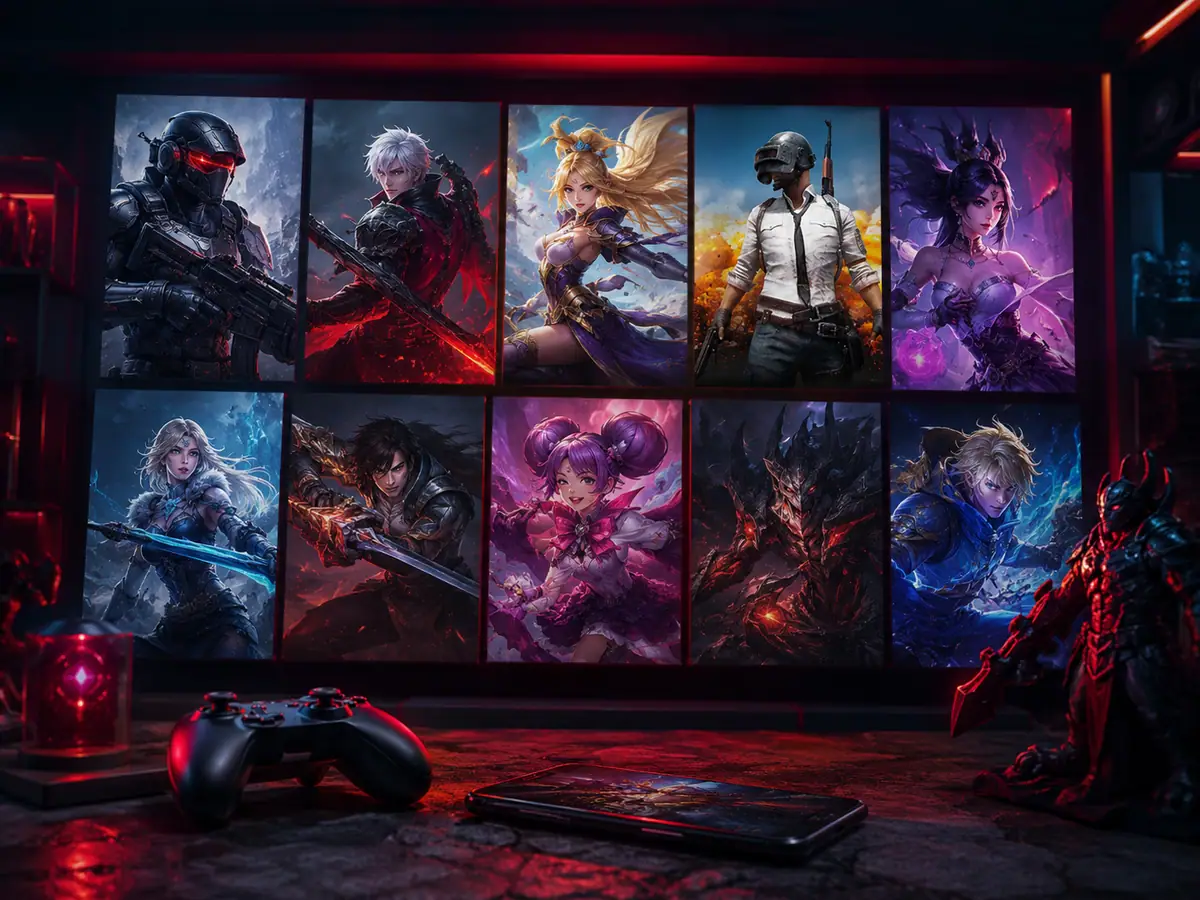
Genshin Impact - HoYoverse's open-world action RPG has captured the attention of Indonesian gamers. Players purchase Genesis Crystals for wishes on the gacha system, battle pass renewals, and premium items. The game's regular character banners and events make it a significant revenue driver on the platform.
PC & Console Gaming
Beyond mobile games, Dunia Games supports top-ups for PC gaming platforms including Valorant (VP points), Steam Wallet codes, and other digital storefronts. This expansion reflects the growing PC gaming market in Indonesia and provides gamers with a unified purchasing experience across platforms.
Step-by-Step Guide: How to Top Up Dunia Games
Learning how to top up Dunia Games is straightforward, but attention to detail is crucial to ensure your credits reach the correct account. Follow this detailed process:
Step 1: Access the Dunia Games Platform
Visit the official Dunia Games website at duniagames.com or download the Dunia Games mobile application from Google Play Store (for Android) or the App Store (for iOS). If you're a new user, create an account using your phone number or email address. Existing users should log in with their credentials. The app and website offer identical functionality, so choose whichever interface you're more comfortable with.
Step 2: Navigate to Your Desired Game
Browse the game catalog by scrolling through categories or using the search function. Dunia Games organizes games by genre, popularity, and recent updates, making it easy to find what you're looking for. Click on your target game to view available top-up denominations and current pricing.
Step 3: Input Your Game ID Accurately
This step is critical. Enter your in-game player ID or username exactly as it appears in your game account. For games like Mobile Legends: Bang Bang, you'll need both your User ID and your Zone ID - getting either wrong means your credits go to a stranger's account, which typically cannot be reversed. Take screenshots of your game ID before initiating the top-up process to verify accuracy.
Step 4: Select Your Desired Denomination
Choose the amount of in-game currency you want to purchase. Dunia Games typically offers denominations ranging from small starter packs to large bulk purchases. Generally, larger purchases offer better per-unit value. For example, buying a 50,000 diamond package might offer better value than purchasing two 25,000 diamond packages separately.
Step 5: Choose Your Payment Method
Select from Dunia Games' comprehensive list of payment options. We'll detail all available methods in the next section. Popular choices include e-wallets for instant processing or Telkomsel balance for integrated convenience.
Step 6: Complete the Transaction
Follow the payment gateway's instructions to finalize your purchase. After successful payment confirmation, your in-game credits should arrive within minutes - often within seconds for e-wallet transactions. Check your game account immediately to confirm receipt.
Complete Payment Methods for Dunia Games Top-Ups
One of Dunia Games' greatest strengths is its diverse payment ecosystem, accommodating virtually every Indonesian consumer preference and financial situation.
Digital Wallets (E-Wallets)
E-wallets offer the fastest top-up experience with instant processing and immediate credit delivery. Supported options include:
Dana, GoPay, OVO, ShopeePay, and LinkAja - All major Indonesian e-wallets are supported. These payment methods clear in seconds and often include promotional cashback campaigns. If your preferred e-wallet offers gaming transaction bonuses, you can stack these savings with Dunia Games promotions for significant value.
Telkomsel Balance Direct Payment
Since Telkomsel operates Dunia Games, you can pay directly from your Telkomsel prepaid or postpaid balance. This method is convenient for Telkomsel customers and offers seamless integration - the purchase appears as a regular Telkomsel transaction on your bill or credit deduction.
Bank Transfers via Virtual Account
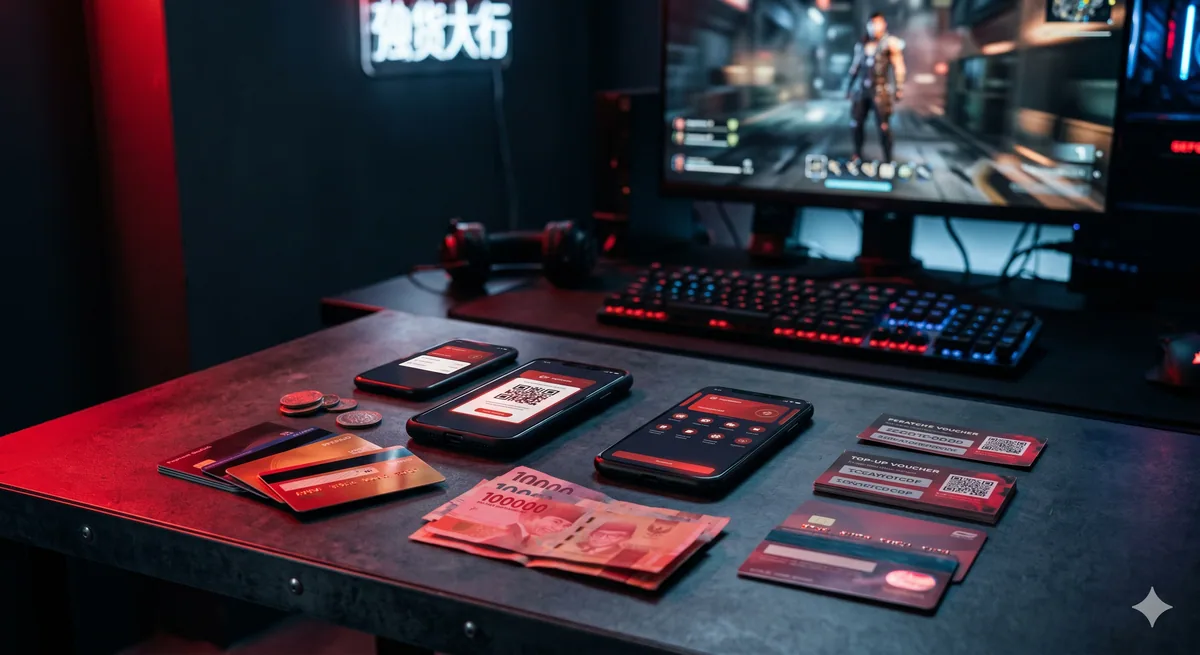
All major Indonesian banks are supported, including BCA, BNI, BRI, and Mandiri. Dunia Games generates a unique virtual account number for each transaction, allowing you to transfer funds using mobile banking, ATM, or online banking platforms. While slightly slower than e-wallets, bank transfers offer a familiar payment method for those who prefer traditional banking.
Convenience Store Payments
Prefer cash payments? Indomaret and Alfamart locations throughout Indonesia allow you to pay for Dunia Games top-ups. Simply provide the generated payment code at checkout, and your transaction processes within 15 minutes. This option is invaluable for gamers without access to digital payment methods.
Money-Saving Strategies for Dunia Games Top-Ups
Smart shoppers know that consistent savings compound over time. Here are proven strategies to maximize value when topping up Dunia Games:
Monitor Promotional Events Closely
Dunia Games runs bonus diamond events during major game updates, holidays, and seasonal promotions. During these windows, top-up denominations include bonus currency - for example, purchasing 50,000 diamonds might include an extra 5,000 free diamonds. Follow Dunia Games' official social media channels (Instagram, TikTok, Facebook) and enable notifications to catch these limited-time offers before they expire.
Compare Prices Across Platforms
While Dunia Games is convenient, it's not always the cheapest option. Third-party game key and gift card retailers often offer competitive pricing or exclusive discounts. At Digidang.com, for example, you can find discounted gaming gift cards and top-up vouchers for many popular games, sometimes at prices 5-15% lower than official platforms. Always compare before committing to a purchase.
Bulk Purchase Strategy
If you're a regular player, buying larger top-up amounts offers better per-unit value. For instance, a 100,000 diamond package typically has a lower cost per diamond than two 50,000 diamond purchases. Plan your gaming budget quarterly or monthly and make bulk purchases during promotional periods for maximum savings.
Leverage E-Wallet Cashback Programs
Many Indonesian e-wallets offer cashback specifically for gaming transactions. Dana, for example, frequently offers 5-10% cashback on specific merchant categories. Stack e-wallet cashback with Dunia Games promotions for compounding savings. A transaction that offers 10% platform bonus plus 10% e-wallet cashback effectively costs you 20% less.
Join Game Community Groups
Indonesian gaming communities on Telegram, Discord, and Reddit sometimes share exclusive promotional codes or bulk purchase discounts. These communities often have members who receive special offers from game publishers that they share with fellow players.
Troubleshooting Common Dunia Games Top-Up Issues
Despite Dunia Games' reliability, occasional issues do occur. Here's how to handle the most common problems:
Credits Haven't Arrived After 30 Minutes
First, verify that your payment actually processed by checking your bank statement or e-wallet transaction history. If payment was deducted, wait another 15 minutes - Dunia Games occasionally experiences slight delays during peak hours. Then, check your in-game account to confirm the credits weren't received already (sometimes notifications fail to display). If credits remain missing, contact Dunia Games customer support with your transaction receipt and game ID.
Sent Diamonds to Wrong Game ID
Unfortunately, credits sent to incorrect IDs are nearly impossible to recover. Dunia Games' system processes transactions immediately without recovery options. Always triple-check your game ID before clicking confirm. If this happens, you may need to contact Dunia Games support to explore limited recovery options, though success rates are low.
Payment Failed Despite Sufficient Balance
Payment failures occur for several reasons: insufficient balance, exceeding daily transaction limits, network connectivity issues, or temporary payment gateway problems. Verify your balance is genuinely sufficient, check that you haven't exceeded daily limits on your payment method, ensure strong internet connectivity, and try again after 5 minutes. If issues persist, switch to an alternative payment method.

Transaction Marked as Pending for Hours
Certain payment methods, particularly bank transfers, may show as pending for longer periods. Wait 24 hours before contacting support, as delays are normal for traditional banking methods. Check your email for payment confirmation receipts that might indicate processing status.
Frequently Asked Questions
Is Dunia Games safe and legitimate?
Yes, absolutely. Dunia Games is operated by Telkomsel, a major Indonesian telecommunications corporation. All transactions are encrypted and secured through official payment gate
Pro Tips from the Digidang Team
Based on the Digidang team's experience handling thousands of gaming transactions every month since 2020, here are the tips we share most often with our loyal customers.
- Top up during in-game events: Publishers often add bonus diamonds, UC, or coins during launch events or weekend specials. Check the event calendar before regular top-ups.
- Stack event discounts: Combine Digidang discounts with in-game double-diamond or double-UC events to save more than 30% per transaction.
- Verify your User ID twice: One of the most common mistakes is mistyping the User ID. The currency ends up on a stranger's account and cannot be refunded.
- Top up from your main login device: Avoid topping up from a brand new device or unusual IP, since it can trigger publisher security flags and freeze your account temporarily.
- Keep your invoice: Save transaction invoices for at least 30 days. You'll need them if you ever need to dispute or verify with support.
Why Buy Gaming Products at Digidang
As a digital gaming marketplace operating since 2020, Digidang is built by and for Indonesian gamers. Here's why thousands of gamers trust Digidang for their top-up and gift card needs:
- Competitive pricing: We continuously monitor other marketplace prices and adjust so you always get the best deal without hidden cost drama.
- Instant automated process: Digital codes arrive in your inbox in minutes, not hours or days. We know gamers want to play right away.
- 24/7 customer service: Our support team is ready to respond via WhatsApp and email anytime. Not a bot - you chat with humans who understand gaming.
- Safe and trustworthy: Payments are processed via official payment gateways (Midtrans, Xendit), not personal transfers. Your data is protected with 256-bit SSL encryption.
- Complete product variety: From Mobile Legends, PUBG, Genshin Impact top-ups, to Steam, Roblox, PlayStation gift cards - all available on one platform.
- Active community: Digidang has an active Discord and Instagram community sharing tips, builds, and discussions about Indonesian gaming.
Check the Digidang catalog to see all available gaming products, or visit our about page to learn more about Digidang's mission to build a healthy Indonesian gaming ecosystem.
Conclusion & Key Takeaways
How to Top Up Dunia Games: Complete Guide 2026 isn't a static gaming topic - it evolves quickly with new game releases, publisher updates, and trends in the Indonesian gaming community. The Digidang team will continue to update this article to keep it relevant to current conditions.
Key points to remember from this guide:
- Always prioritize account security: Enable 2FA, never share passwords, and avoid buying from untrusted sellers.
- Compare prices across multiple sources: Even though Digidang offers competitive pricing, the habit of comparing before buying is a healthy behavior.
- Take advantage of events and promotions: Significant savings come from combining Digidang discounts with publisher in-game events.
- Verify every transaction detail: User ID, region, and denomination - small mistakes can lead to non-refundable losses.
- Use Digidang's support: Our customer service is active 24/7 via WhatsApp and email. Don't hesitate to reach out with any questions.
Have more questions? Check the FAQ section below, or contact the Digidang team directly via WhatsApp for free consultation on the gaming products you need.
Digidang Team
Gaming enthusiast and marketplace expert sharing tips, guides, and the best gaming deals.