Razer Gold Complete Guide
Razer Gold is a prepaid game credit wallet that pays for top-ups across thousands of games and entertainment services. This complete guide explains how Razer Gold works, the difference between a PIN and the wallet, how to reload in Indonesia, region rules, Razer Silver rewards, and how to buy PINs without getting scammed.
Everything below is checked against Razer's own pages: the official About Razer Gold page, the official reload guide for Indonesia, and the Razer Gold PIN redemption steps. Where Razer leaves details to publishers or retailers, this guide says so instead of guessing.
Razer Gold sits alongside publisher-specific vouchers in the Digidang gift card catalog because one balance can feed many games. That flexibility is also why fake PINs and phishing pages target it, so the safety sections below deserve as much attention as the reload steps.
What Is Razer Gold and How Does It Work?
Razer Gold works as a virtual currency held in a Razer Gold wallet linked to your Razer ID. You load the wallet with a PIN or a local payment method, then spend the Gold balance on game credits, in-game items, and entertainment content in Razer's catalog or in partner stores that accept Razer Gold as a checkout option.
Razer describes the setup as three steps on its About page: register a Razer ID, create a Razer Gold wallet, then reload the wallet using any supported payment method. The same page says the catalog covers more than sixty thousand game and entertainment titles and that spending Gold earns Razer Silver, the loyalty currency covered later in this guide.
Unlike a Google Play or Apple balance, Razer Gold is not tied to one app store. It is closer to a gaming-specific e-wallet: you top up once, then pay for Mobile Legends diamonds, Roblox credit, PlayStation Store balance, or a streaming gift card from the same pool. The guide to digital voucher types explains where this multi-publisher model fits among other prepaid codes.
Razer Gold PIN vs Razer Gold Wallet
New buyers often mix up the two. The wallet is the account balance; the PIN is one of several ways to fill it. Razer's About page promotes PINs specifically as a way to purchase and gift Razer Gold, because a PIN can be handed to someone else while a wallet cannot.
| Aspect | Razer Gold PIN | Wallet reload (e-wallet, QRIS) |
|---|---|---|
| What it is | A prepaid code with a fixed value and currency | A direct payment into your own wallet |
| Best for | Gifts, cash buyers, buying ahead of a promotion | Instant top-ups from your own account |
| Where to get it | Retail counters and online marketplaces | Inside the Razer Gold site after logging in |
| Currency | Fixed at purchase; must suit the wallet region | Follows your wallet region automatically |
| Risk points | Counterfeit or already-used codes | Payment app errors, wrong amount |
If you only ever top up your own account from a phone, wallet reloads are simpler. If you buy credit for a younger sibling, a friend abroad, or want to stock up when a marketplace discounts PINs, the PIN route is the one that makes sense. The Razer Gold PIN listing in the catalog is an example of the second path.
How to Reload Razer Gold in Indonesia
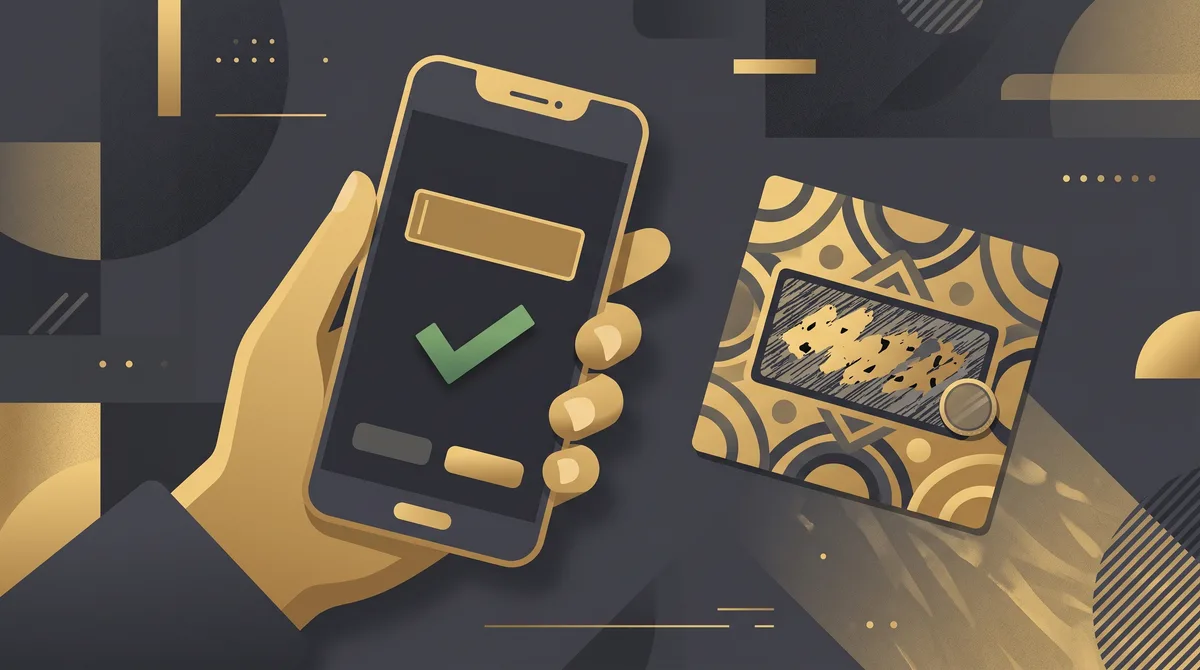
Razer publishes a channel-by-channel reload guide for Indonesia on its official how-to-reload page. The channels listed there include Razer Gold PIN, Bonus Gold Voucher, QRIS, DANA, OVO, GoPay, and ShopeePay, each with its own step list. The three most common paths are summarized below.
Razer Gold PIN
Log in to your Razer Gold account, open the Gold menu, choose Reload, and select Razer Gold PIN as the payment option. Razer's PIN guide says the code is a fourteen-digit number; enter it, confirm, then check the balance and refresh the page if it has not updated yet.
E-wallets and QRIS
For DANA, OVO, GoPay, and ShopeePay, you log in, open the Gold reload page, pick the wallet, enter the amount, and finish the payment inside the wallet app. Razer's reload page notes that DANA reloads start at Rp50.000, and that GoPay requires the two-factor security code you set up on your Razer account. QRIS works the same way with any QR-capable banking or wallet app.
Bonus Gold Voucher
Promotional vouchers from events or partner campaigns are redeemed through the same Reload menu by choosing Bonus Gold Voucher instead of PIN. They behave like a PIN with a promotional balance, so keep the code private until you use it.
Local wallet quirks such as daily limits and failed callbacks are covered in the e-wallet top-up guide, and the failed top-up troubleshooting guide explains what to do when a payment is deducted but the balance does not appear.
Which Games and Services Accept Razer Gold?
Razer's Indonesian storefront at gold.razer.com highlights Mobile Legends through MobaPay, Roblox credit in rupiah, PlayStation Store balance, and Magic Chess: Go Go among its popular items, with newer additions such as TikTok LIVE gift cards and Battle.net content. The full list is searchable on the site itself and changes as publishers join or leave.
One current exception matters for many Indonesian players. At the time of writing, the same storefront displays a notice that the Razer Gold wallet is unavailable for HoYoverse titles, naming Genshin Impact, Honkai: Star Rail, and Zenless Zone Zero, while stating those games remain available through other payment options. Check the banner on Razer's site before loading Gold specifically for those games.
For the publishers that do accept it, Razer Gold usually appears as one of the checkout options inside the publisher's official top-up page, next to cards and local wallets. If a game you play is not on Razer's list, the Digidang top-up hub and the in-game items category cover direct top-ups for titles such as Mobile Legends diamonds, PUBG UC, and Garena Shells.
Region and Currency Rules

Razer operates Razer Gold as a set of regional storefronts. Its official partner page lists availability across twenty-eight regions with twenty-five local currencies and more than two hundred payment methods, and the Indonesian site greets visitors with a location switcher that sets the region to Indonesia by default.
The practical rule is to match the PIN to the wallet. A wallet created in the Indonesian region reloads in rupiah through local channels, while PINs sold in US dollars are aimed at wallets in a dollar-based region. Before buying any PIN, log in, check which region your wallet uses, and only buy a PIN whose currency suits that region. If you are unsure, use a local wallet reload instead, which always follows your region automatically.
| Your situation | Safer choice | Why |
|---|---|---|
| Wallet set to Indonesia, paying yourself | QRIS, DANA, OVO, GoPay, or ShopeePay reload | Follows your region, no currency mismatch |
| Wallet in a dollar-based region | USD Razer Gold PIN | PIN currency matches the wallet |
| Buying a gift for someone else | PIN in the currency of the recipient's wallet | The recipient redeems it in their own account |
| Not sure which region the wallet uses | Check the account first, then buy | A mismatched PIN may not redeem |
The same principle applies to every regional store, and the guide to digital gift card regions walks through it for Google Play, Apple, and console stores. The currency converter tool helps you compare a dollar PIN against a rupiah reload before deciding.
Razer Silver: The Loyalty Layer
Razer Silver is the reward currency earned when you spend Razer Gold. Razer's About page summarizes it as spend Gold, earn Silver, and the Silver catalog on the Indonesian site groups rewards into gift cards and discounts, game credits, lifestyle items, and entertainment. On the day this guide was written the featured reward was a rupiah-denominated Battle.net gift card, which shows the kind of item Silver can buy.
Silver is not cash and cannot be turned back into Gold. Razer's redemption terms shown on the reward pages state that redemptions are final and that redeemed tokens or codes cannot be exchanged for Silver, cash, or other rewards. Treat it as a bonus on top of purchases you were going to make anyway, not as a reason to overspend.
For players who top up frequently, the Silver layer is the main argument for routing purchases through Razer Gold instead of paying publishers directly. For occasional buyers, the guide to choosing a top-up platform explains how to weigh loyalty points against simpler direct payment.
Where to Buy Razer Gold PINs Safely
Razer's About page points buyers to its own PIN catalog and to retail partners, and its reload page marks the PIN channel as available at retail, on desktop, and on mobile. Physical PINs bought at a counter are activated at checkout, which makes them the safest option when you can find one.
Physical PINs
Check that the scratch panel is intact and the packaging has not been opened. Keep the receipt, because Razer support may ask for proof of purchase if a code fails, and a tampered card can be drained before you ever reach the Reload menu.
Digital PINs
Digital codes arrive by email and are convenient, but they are also the format most often counterfeited or resold after use. Buy only from sellers that show a clear currency, a stated region, and a delivery guarantee. Digidang explains its screening on the how we verify products page, and the payment security page covers how checkout data is protected.
Compare the smaller Razer Gold Gift Card listing and the larger Razer Gold Gift Card listing with local reload prices using the gift card price comparator, and read the refund policy so you know what happens if a code arrives already used.
Avoiding Razer Gold Scams
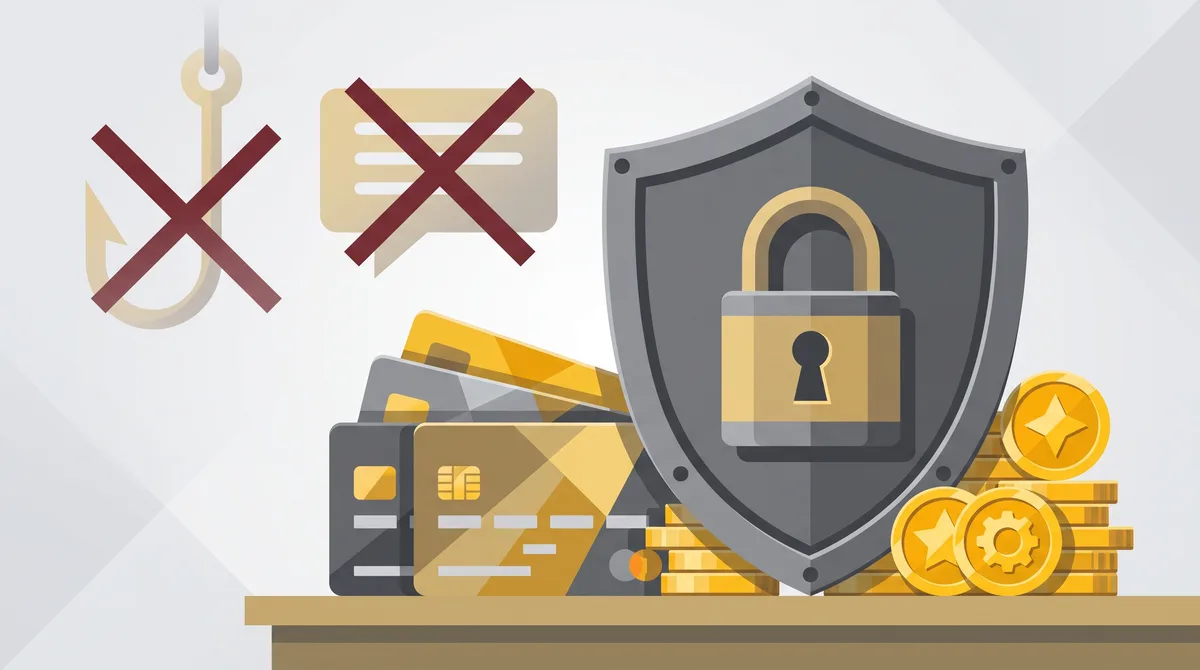
Because Razer Gold can be spent on many games, its PINs are a favorite target for scammers. The most common pattern is a fake giveaway or discount page that asks you to enter a PIN to verify eligibility; the page simply records the code and redeems it elsewhere. A close second is a marketplace listing priced far below face value that delivers a used or invalid code.
Never enter a PIN anywhere except the Reload menu of your own Razer Gold account, and never read a PIN to anyone claiming to be support, a courier, or a game moderator. Razer's official flow, described on its PIN guide, never involves sharing the code with a person. The safe digital shopping guide and the safe online top-up guide cover the same tactics in more detail.
If you already exposed a PIN, redeem it immediately if it is still valid, then contact Razer support with your receipt and report the seller to the marketplace. Where a card payment was involved, tell your bank as well.
Troubleshooting Reload Problems
Most reload failures come down to a few causes. Work through them before assuming the PIN is fake.
Balance not updating
Razer's own steps end with a reminder to refresh the page if the balance has not appeared, per the official PIN guide. Log out and back in if a refresh does not help, then check the transaction history in your account.
PIN rejected
Confirm every character was typed correctly and that the PIN currency suits your wallet region. A code that was already redeemed by a previous owner will also be rejected, which is why receipts and seller guarantees matter.
Wallet payment failed
For DANA, confirm the amount meets the minimum shown on Razer's reload page. For GoPay, make sure two-factor security is set up on your Razer account before starting, because the reload flow asks for that code. If money left the wallet but no Gold arrived, use the Feedback or Help option inside your Razer Gold account and keep the payment reference from your wallet app.
The Digidang support page handles order issues for PINs bought through the catalog, including codes that arrive already used.
FAQ: Razer Gold Questions
Is Razer Gold the same as Razer Silver?
No. Razer Gold is the prepaid balance you buy and spend on games and services. Razer Silver is the loyalty reward earned when you spend Gold, and it can only be exchanged for items in the Silver rewards catalog.
How many digits does a Razer Gold PIN have?
Razer's official redemption steps describe the PIN as a fourteen-digit number. If the code you received has a different length or contains letters, treat it with suspicion and check with the seller before trying to redeem it.
Can I use a US dollar Razer Gold PIN on an Indonesian wallet?
Match the PIN to the wallet region. A dollar PIN is intended for wallets in a dollar-based region, while Indonesian wallets reload in rupiah through local channels. Check your wallet region in the account before buying.
Which local payment methods can reload Razer Gold in Indonesia?
Razer's Indonesian reload guide lists Razer Gold PIN, Bonus Gold Voucher, QRIS, DANA, OVO, GoPay, and ShopeePay, each with its own steps.
Can I pay for Genshin Impact with Razer Gold right now?
At the time of writing, Razer's Indonesian storefront shows a notice that the Razer Gold wallet is unavailable for HoYoverse titles including Genshin Impact, Honkai: Star Rail, and Zenless Zone Zero, while those games stay available through other payment options. Check the site for the current status.
Does Razer Gold balance expire?
Razer's public pages checked for this guide do not state an expiry for wallet balance, but promotional Bonus Gold vouchers and Silver rewards carry their own terms. Read the terms shown at redemption and use promotional balance first.
Can I refund a Razer Gold PIN?
Once a PIN is redeemed, the value sits in the wallet and is not returned as cash. For unused codes, the refund terms of the store you bought from apply, so read them before purchasing.
Is buying Razer Gold cheaper than paying the publisher directly?
Not automatically. The advantages are one balance for many games, promotions that Razer runs with publishers, and Razer Silver rewards. Compare the PIN price against the publisher's own price before choosing.
Digidang Team
Gaming enthusiast and marketplace expert sharing tips, guides, and the best gaming deals.