How to Top Up FC Points in EA SPORTS FC Safely
FC Points are the paid currency in EA SPORTS FC, used for packs, Ultimate Draft entries, and more in Ultimate Team. This guide explains how to top up FC Points through official EA channels, the account and platform rules, what happens to your balance when a new edition launches, EA's refund rules, and how to keep the transaction safe.
Every rule quoted here comes from EA's official pages: How to buy EA SPORTS FC Points, How to use Ultimate Team Coins and FC Points safely, Transfer Points from EA SPORTS FC 25 to EA SPORTS FC 26, How to find missing FC Points, plus the EA User Agreement and the EA Terms of Sale. Bundle prices are deliberately left out because they differ by platform store and region.
At the time of writing, the EA SPORTS FC series is in the middle of an edition change. According to the EA SPORTS FC 27 editions and release dates page, early access for the Ultimate Edition and Ultimate Plus Edition starts on 18 September 2026 (for PC from 17 September at 23:00 UTC), and the full release follows on 25 September 2026 local time. That makes the question of what happens to FC Points in the old edition timely, and we cover it separately below.
What Are FC Points and What Are They For?
FC Points are the virtual currency of EA SPORTS FC, bought with real money and spent in Ultimate Team. According to EA's help page, FC Points can be exchanged for packs in the Ultimate Team Store, Ultimate Draft entries, Evolution slots, and Season Pass cosmetics. EA stresses that FC Points are optional and not required to play Ultimate Team.
FC Points are not Coins. Coins are earned by playing matches, from rewards in modes such as Rivals and Squad Battles, or by selling items on the Transfer Market, and according to EA's Coins and Points safety page, Coins cannot be purchased. Buying Coins from a third party or promoting Coin buying breaks EA's rules, and that is not a risk worth taking with an account built over years.
Official Ways to Buy FC Points
EA's safety page lists four ways to buy FC Points: through the Ultimate Team Store in the game, through your platform's store, through physical cards from retailers that you redeem, and through trusted retailers. Anything outside those routes, especially offers of Coins or prices far below the official stores, should be treated as dangerous.
| Channel | How it works according to EA | Notes |
|---|---|---|
| Ultimate Team Store in the game | Open Ultimate Team from the Main Menu, go to the Store tab, select Enter Store, open the FC Points tab, choose a bundle, then confirm the payment | Payment is processed by the platform you play on |
| Clubs Store in the game | Open Clubs, go to the Clubs Store tab, select Enter Store, then the FC Points tab | Same balance as buying through Ultimate Team |
| Platform stores | EA names the PlayStation Store and the Microsoft Store as official platform stores | EA Play subscribers get a 10 percent discount on FC Points bundles according to EA's page |
| EA SPORTS FC Companion App | Store, then FC Points | For PlayStation and Xbox players available only in the United States; for PC players available in all regions |
| Physical cards and trusted retailers | The code is redeemed to your account following the card's instructions | Check the code's platform and region before buying |
If you buy a code from a marketplace such as Digidang, you are in the last row of the table: a code you redeem yourself. That is why the code's platform and region must match your account. How we vet suppliers is explained on our how we verify products page, and the EA Play subscription that EA says discounts bundles is also in our catalog.
One EA Account, Many Platforms: The Rules to Understand
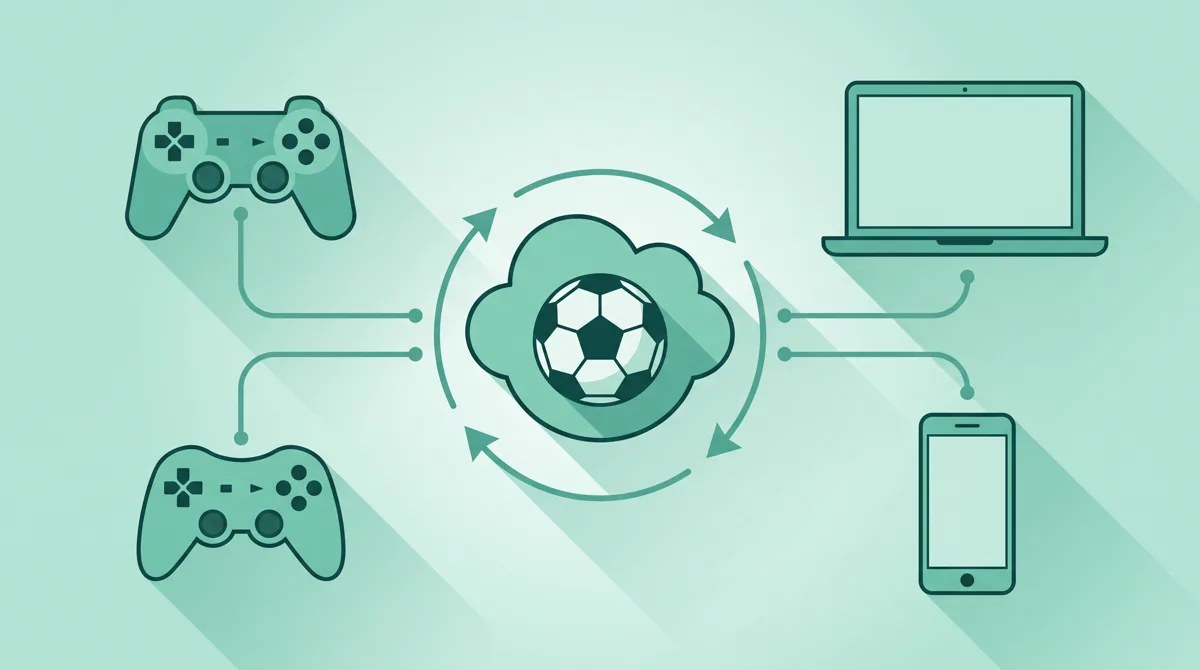
FC Points are tied to your EA account and the platform where they were bought. The clearest signal comes from the edition transfer policy: on the page on transferring FC Points from FC 25 to FC 26, EA writes that a transfer only works on the same console family, for example from Xbox One to Xbox Series, and not from Xbox to PlayStation. A similar rule applies to Dual Entitlement on the FC 27 Dual Entitlement page: the upgrade only works within the same console family, and what carries over with the same EA account includes the Ultimate Team club, items, Coins, and FC Points.
The consequence is simple. If you play on PlayStation, buy FC Points for PlayStation. If you play on PC through the EA app, Steam, or the Epic Games Store, buy for PC. Do not assume the balance will follow you to another platform, because EA does not promise that on any page we checked.
This is also why FC Points codes are always sold per platform. A product name that does not mention the platform is a blind purchase. The same pattern applies to other game currencies, for example V-Bucks, which we cover in our Fortnite V-Bucks top up guide.
What Happens to FC Points When a New Edition Launches
For the move from FC 25 to FC 26, EA documented the rules in detail on the FC Points transfer page: the only way to move the balance is by logging in to the new edition on a console or PC, not through the Web App or Companion App; the first time you enter any mode, a pop-up offers the transfer; the transfer only works on the same console family; and the transfer is permanent, with no way back to the old edition. EA also warns that EA Play members who try the new edition and transfer their balance will not get it back in the old edition even if they never buy the full game.
For the move to the newest edition launching this month, we have not found an EA help page that explicitly explains the transfer from the previous edition, its deadline, or its procedure. The previous edition's rules do not automatically apply. So if you still hold a balance in the old edition, the safest move is to hold off on buying new FC Points until EA publishes this edition's transfer rules, or to spend the old balance in the old edition before you move.
| Situation | What EA has documented | Practical advice |
|---|---|---|
| FC Points left in the old edition, same platform | For FC 25 to FC 26, a transfer was offered through a pop-up on first login on console or PC | Wait for the new edition's official rules before relying on a transfer |
| Switching console family (for example Xbox to PlayStation) | No transfer across console families | Spend the balance on the old platform before switching |
| Upgrading console generation within the same family | Dual Entitlement carries FC Points when the EA account is the same | Log in with the same EA account on the new console |
| Already transferred, want to go back to the old edition | The transfer is permanent | Decide before pressing the transfer button |
Refunds and the Legal Status of FC Points
Under the EA User Agreement, EA virtual currency cannot be sold, traded, transferred, or exchanged for cash; it may only be redeemed for entitlements available in the EA service. The EA Terms of Sale add that, subject to any rights you have under applicable law, there are no refunds for EA content purchased from EA unless expressly authorized by EA.
If you bought through the PlayStation Store, the Microsoft Store, Steam, or a retailer, refund requests go to the party you paid, and each has its own policy. For codes bought at Digidang, the terms are on our refund policy page; in practice, a redeemed code cannot be pulled back, so every platform and region check must be done before redeeming.
When FC Points Do Not Show Up on Your Account
EA has its own procedure on the missing FC Points page. First check for server issues, then check the transaction history on the platform where you bought. If the balance is still missing after 24 hours, EA asks for proof of purchase, your persona name (EA ID, PlayStation Network Online ID, or Xbox gamertag) on the affected platform, the platform used (PlayStation, the EA app, Steam, Xbox, Switch, Epic Games, or Amazon Luna), the time and time zone of the purchase, the number of FC Points missing, and the FC Points code if you bought one.
If the code came from a marketplace, contact the seller first with the order number and a screenshot of the error, because the seller can check whether the code was redeemed and on which platform. Do not buy again until the status of the first order is clear. The general troubleshooting pattern is the same as in our guide to failed game top ups.
Paying from Indonesia and Working Out the Final Price

For console players, the easiest route is to fund the platform wallet with a gift card and then buy FC Points from that platform's store. The guides are in our PlayStation Store gift card guide and Xbox gift card guide; make sure the gift card region matches your account, as explained in our guide to digital gift card regions. PC players on Steam can fund their Steam Wallet, while EA app users pay directly with the methods available in their account region.
On price, compare the final amount after tax rather than the number on the bundle list. We explain why in our article on VAT for digital products. If you subscribe to EA Play, EA's purchase page mentions a discount on FC Points bundles, so work out whether the subscription pays for itself; a comparison of console subscription services is in our Game Pass vs PS Plus article. A comparison of digital payment methods is in our e-wallets for game top up article.
Scams That Target Ultimate Team Players
- Coin sellers. Coins cannot be bought officially. Buying Coins from a third party breaks EA's rules and can lead to account penalties.
- FC Points codes with no platform stated. A code for the wrong platform cannot be redeemed on your account, and dishonest sellers often exploit this.
- Requests for your EA account login. No official route requires a seller to log in to your account. Redeem the code yourself.
- Prices far below the platform store. Codes bought with stolen cards can be revoked, and the balance disappears with them.
- Promises of cross-platform balance transfers. EA does not document transfers across console families, so such offers have no basis.
Secure your EA account with two-step login verification; the principle is the same as in our guide to securing game accounts with 2FA. The criteria for choosing a seller are in our guide to choosing a game top up platform, and the general principles are in our safe digital shopping tips.
Checklist Before Buying FC Points
- The platform is settled: PlayStation, Xbox, or PC, and the code you buy matches it.
- The code's region matches your account and platform store region.
- If a new edition is about to launch, you have decided whether to spend the balance in the old edition or wait for official transfer rules.
- A pack budget is set, because FC Points cannot be turned back into money.
- Proof of purchase and the order number are kept until the balance shows in the Ultimate Team Store.
If you also buy other EA games or subscriptions, the kinds of digital codes in circulation and how to buy them are summarized in our digital game voucher article, and the basics are in our guide to topping up games safely.
Frequently Asked Questions
Are FC Points required to play Ultimate Team?
No. EA itself states that FC Points are optional and not required to play Ultimate Team. You can build a squad with Coins from matches, mode rewards, and the Transfer Market without ever buying FC Points.
Can FC Points bought on PlayStation be used on PC?
No EA page promises that. Every transfer policy EA has documented requires the same console family, so buy FC Points for the platform you actually play on.
Can FC Points from the old edition be carried into the new one?
For the previous move, EA offered a transfer through a pop-up on first login on console or PC, only within the same console family, and it was permanent. For the newest edition, wait for EA's official page before relying on it; the old rules do not automatically apply.
Can I buy Coins?
No. Coins are only earned by playing, from mode rewards, or by selling items on the Transfer Market. Buying Coins from a third party or promoting Coin trading breaks EA's rules.
Can FC Points be refunded?
Generally not. EA's terms of sale state there are no refunds for EA content purchased from EA unless expressly authorized, subject to consumer rights under applicable law. Purchases through a platform store follow that store's policy.
How long should I wait if FC Points have not arrived?
According to EA's help page, if the balance is still missing after 24 hours, gather your proof of purchase, persona name, platform, purchase time, and the number of missing FC Points, then contact EA Help.
Do EA Play subscribers get cheaper FC Points?
EA's purchase page says EA Play subscribers get a discount on FC Points bundles, with conditions and exclusions set out in the EA Play terms. Check the actual discount in your platform store before deciding to subscribe.
Can I buy FC Points through the Companion App?
For PlayStation and Xbox players, EA says buying through the Companion App is available only in the United States. For PC players, Companion App purchases are available in all regions. Console players in Indonesia should buy through the in-game store or the platform store.
Which platform are Digidang's FC Points codes for?
Each code is sold per platform and region, and that is stated in the product name. If you are unsure, ask before paying, because a code redeemed on the wrong platform cannot be pulled back.
Digidang Team
Gaming enthusiast and marketplace expert sharing tips, guides, and the best gaming deals.